About
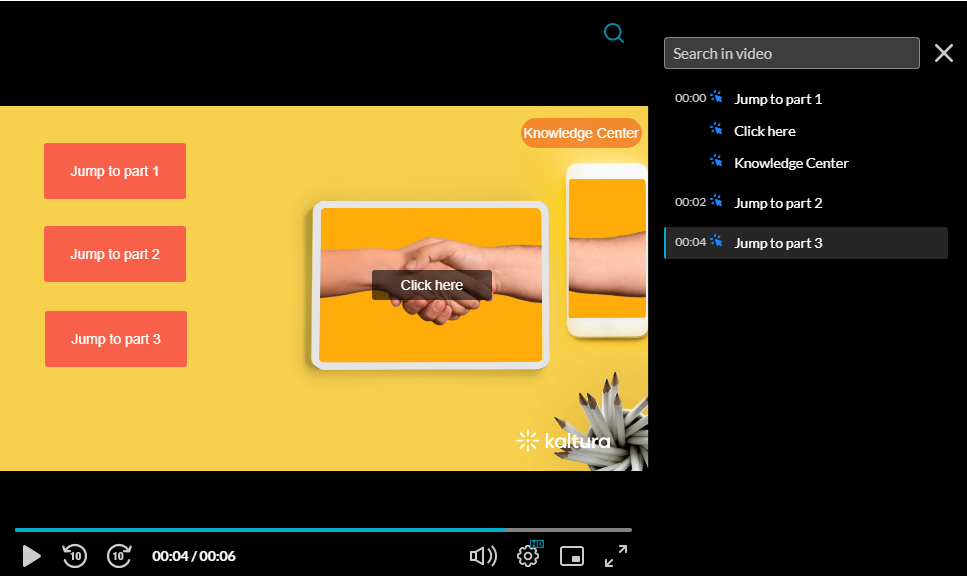
Enable this option to allow hotspot creation on the player.
VOD
Access the player settings
- Log in to your Rich Media CMS and click the Studio tab.
- Click the player you want to edit from the list (or use the search bar in the top right).

The Player Studio page displays.

If you haven't created a player yet, check out our article Create a player for guidance.
The player settings display.

Set hotspots
1. Scroll down to the Engagement & Interactivity section, find Hotspots and click the toggle to enable the setting.

2. Click Save at the top right of the settings page.
For the user guide, see Hotspots.
