About
Media owners can transfer ownership to an individual or a group.
If you cannot access this functionality, ask your administrator to give you the required permission.
Change ownership
- Access the edit media page.
- Click on the Collaboration tab.
- On the Collaboration page, click Change media owner.
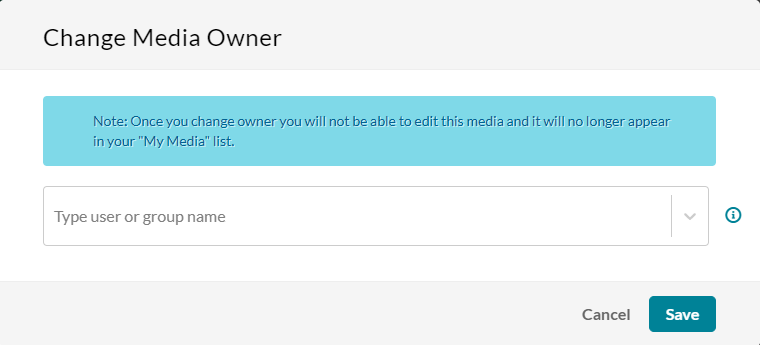
- Enter the user/group name for the new owner. You can add users/groups that are available on the site and then use the auto-complete function (from third letter and on), and press enter on your keyboard.
- Click Save.


The 'Change Media Owner' window opens.

Once ownership is transferred, the new owner gains full access to the media, including the ability to edit, publish, and delete it.
