About
Videos can be downloaded via the media page in Content Hubs.
Download availability depends on the media owner’s settings and your permissions.
Download a video
- On the media page, click the three dots below the player.
- Select Download, then choose a format from the available options.
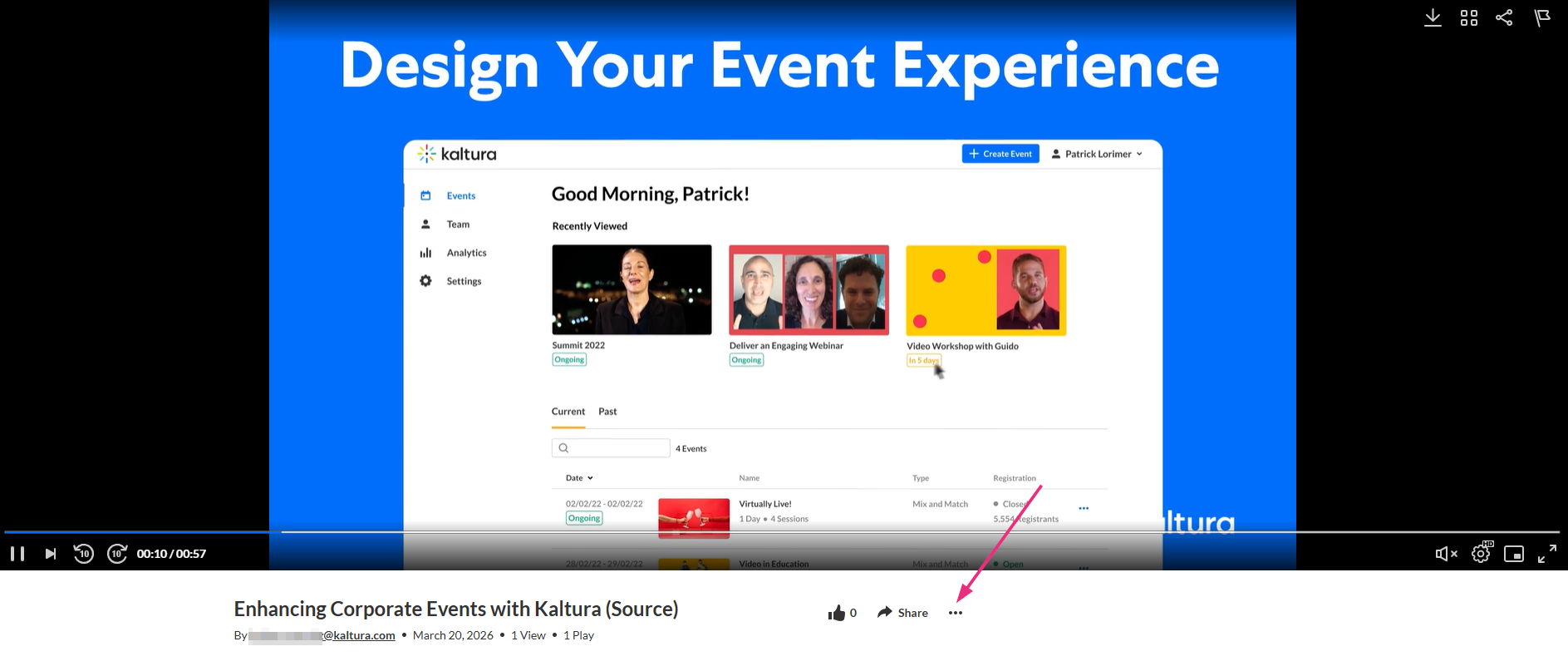
The Download option appears only if downloads are enabled. If you don’t see this option, see Enable media download for more details.
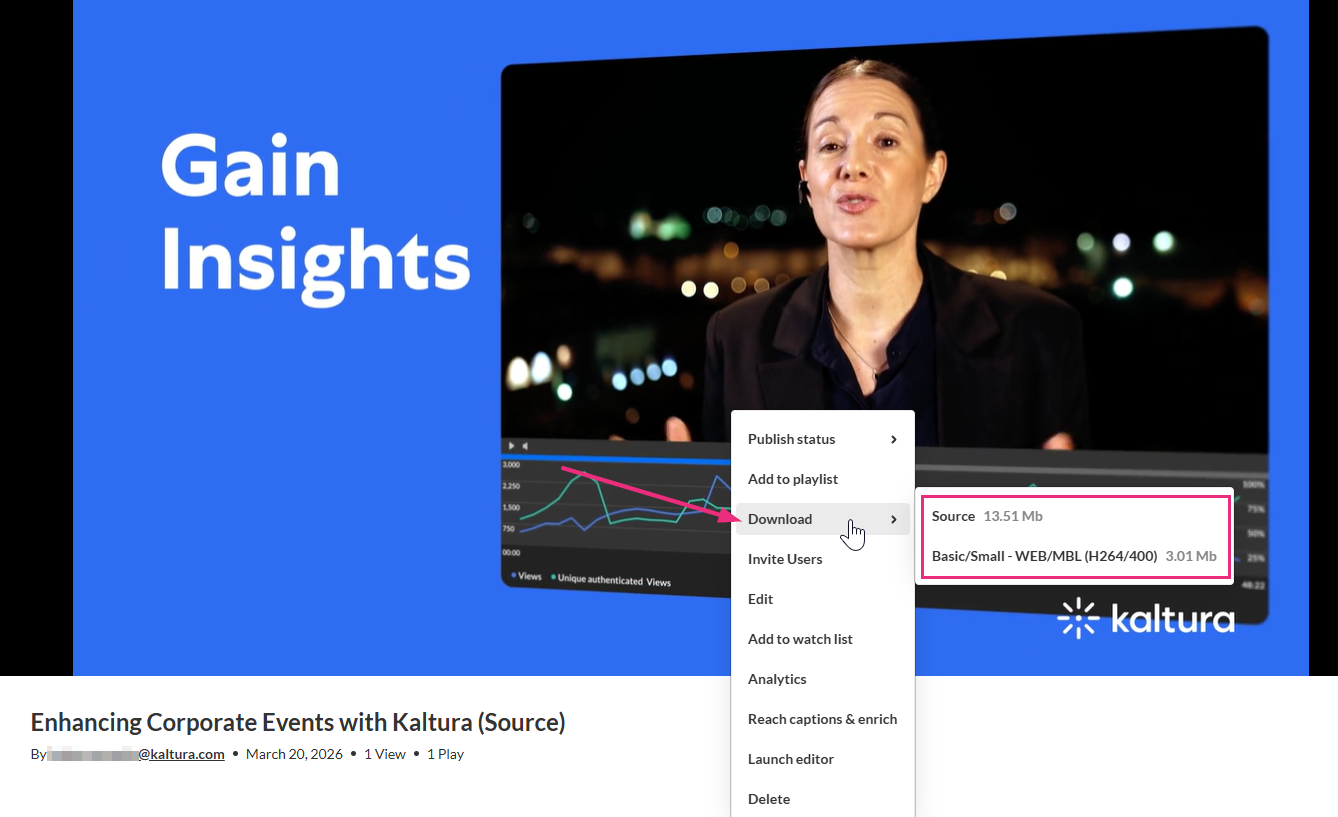
The video downloads to your device.
Additional download options may be available depending on the player configuration set by your administrator. To learn more, see Download plugin.
