About
KMS Go on your Android device lets you save videos to the Watch Later playlist, so you can watch them when it suits you.
Watch Later playlist
If your administrator turns it on, the Watch Later playlist lets you set a video aside to watch later. You can add or remove content from any gallery, playlist view, or media page.
Add or remove from a gallery or playlist
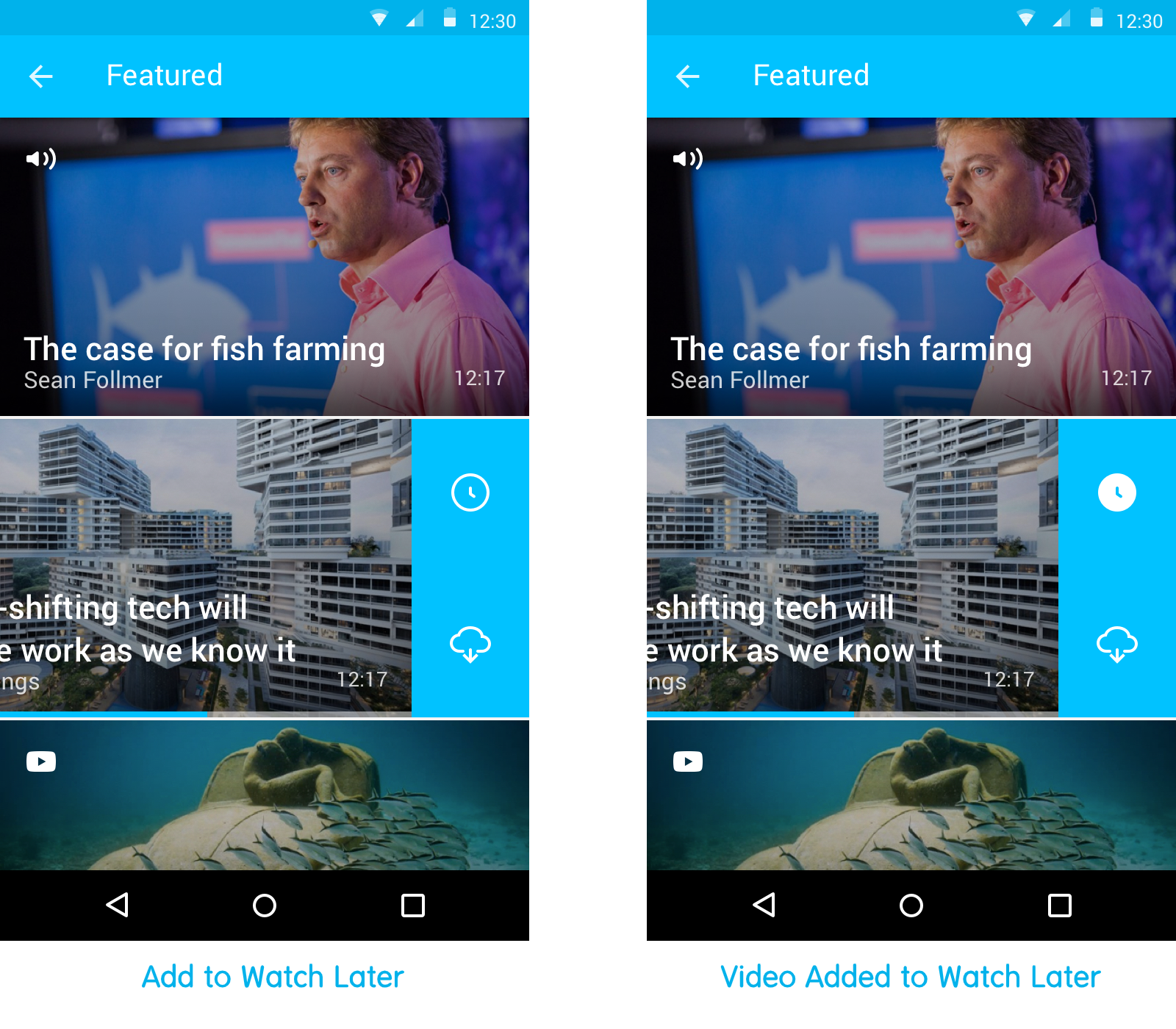
- Swipe the media item to the left.
- Select the clock icon. The media is added to or removed from the playlist. Go to your Watch Later section to see the change.
Add or remove from a media page
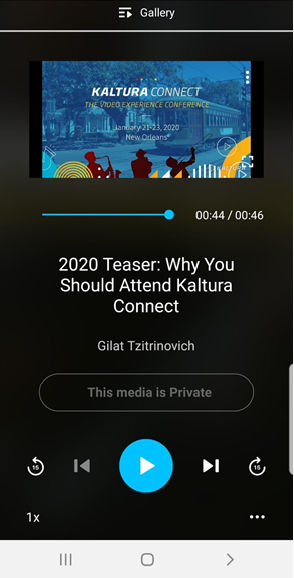
- Select the content.
- Select the three dots.
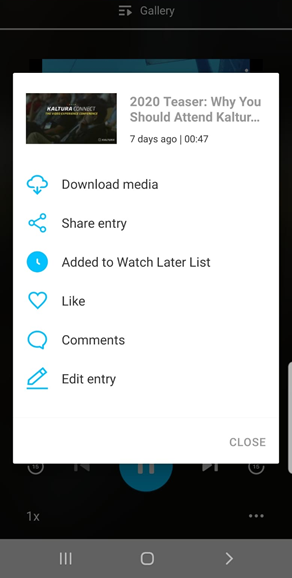
- From the three-dot menu, select Save to Watch Later.
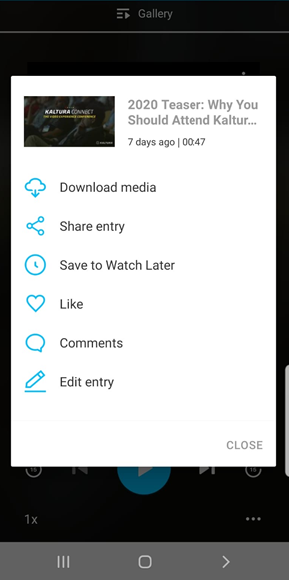
To remove content, select Added to Watch Later list.
View the Watch Later playlist
- Select My Profile.
- Select Watch Later.
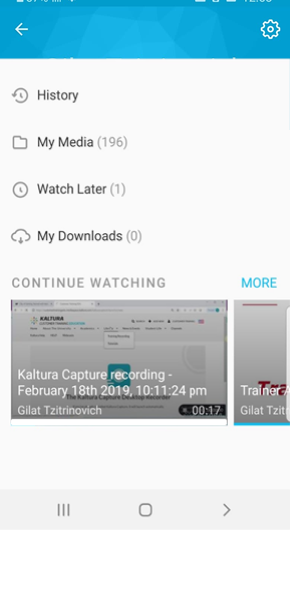
To remove content from here, swipe left and select the clock icon.
