About
With KMS Go, you can download media to your Android device and manage your downloads.
Download media
If your administrator allows it, you can download media from a gallery's vertical view or a media page. Downloaded media appears in the My Downloads section on your homepage.
Downloaded files stay in the app. You can play them only in the KMS Go player.
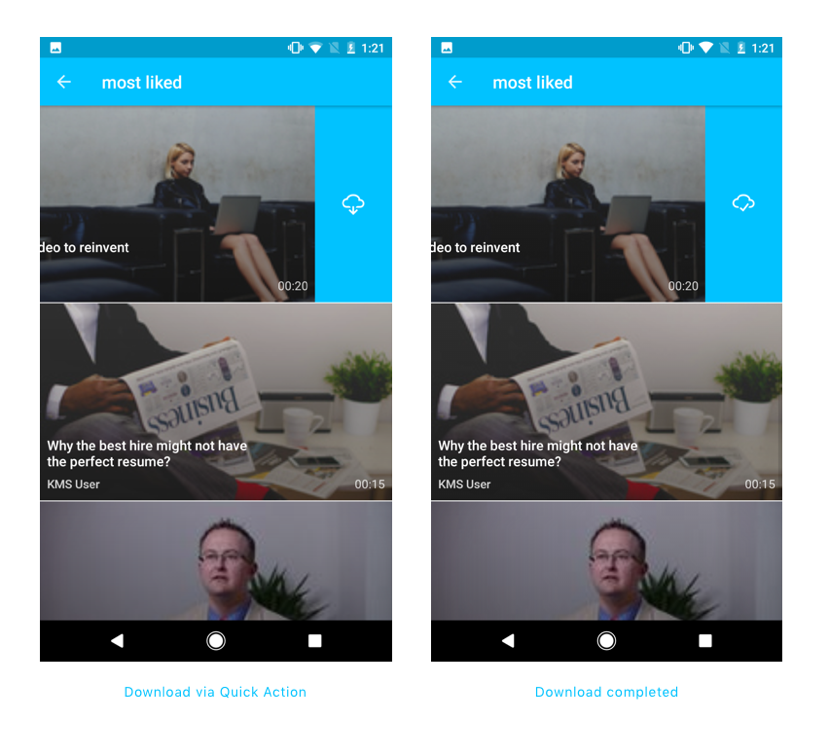
Download from the vertical view
- Swipe the media item to the left.
- Select the download icon.
- To stop a download, select the download icon, which shows an x.
- To delete downloaded media from your device, select the download icon in the quick actions or on the media page.
Download from a media page
Select the download icon in the top right corner.
