About
This article describes how to launch an Interactive Room session in Kaltura Virtual Events and enter the Kaltura Room.
This article pertains only to multi-session events.
- Navigate to the session. There are two ways to reach the session:
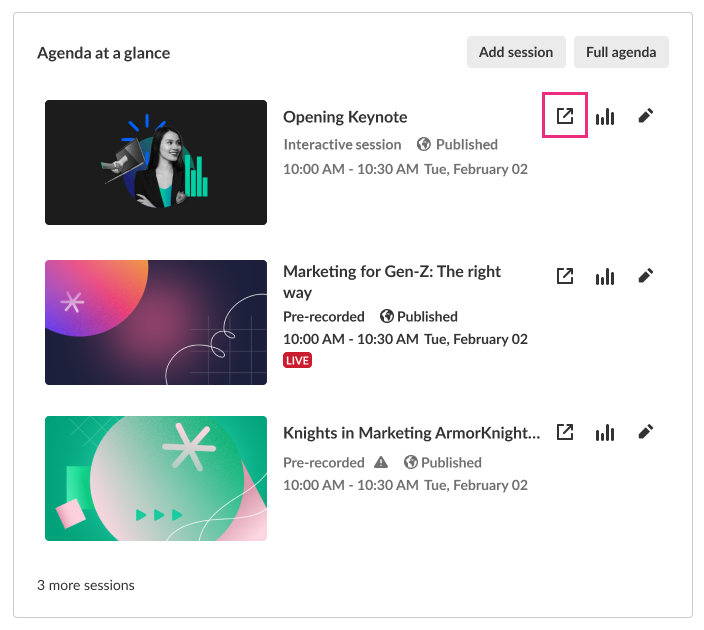
- On the Event Overview page, in the Agenda at a glance section, hover over the session, then click the blue box with arrow (go to session) icon.
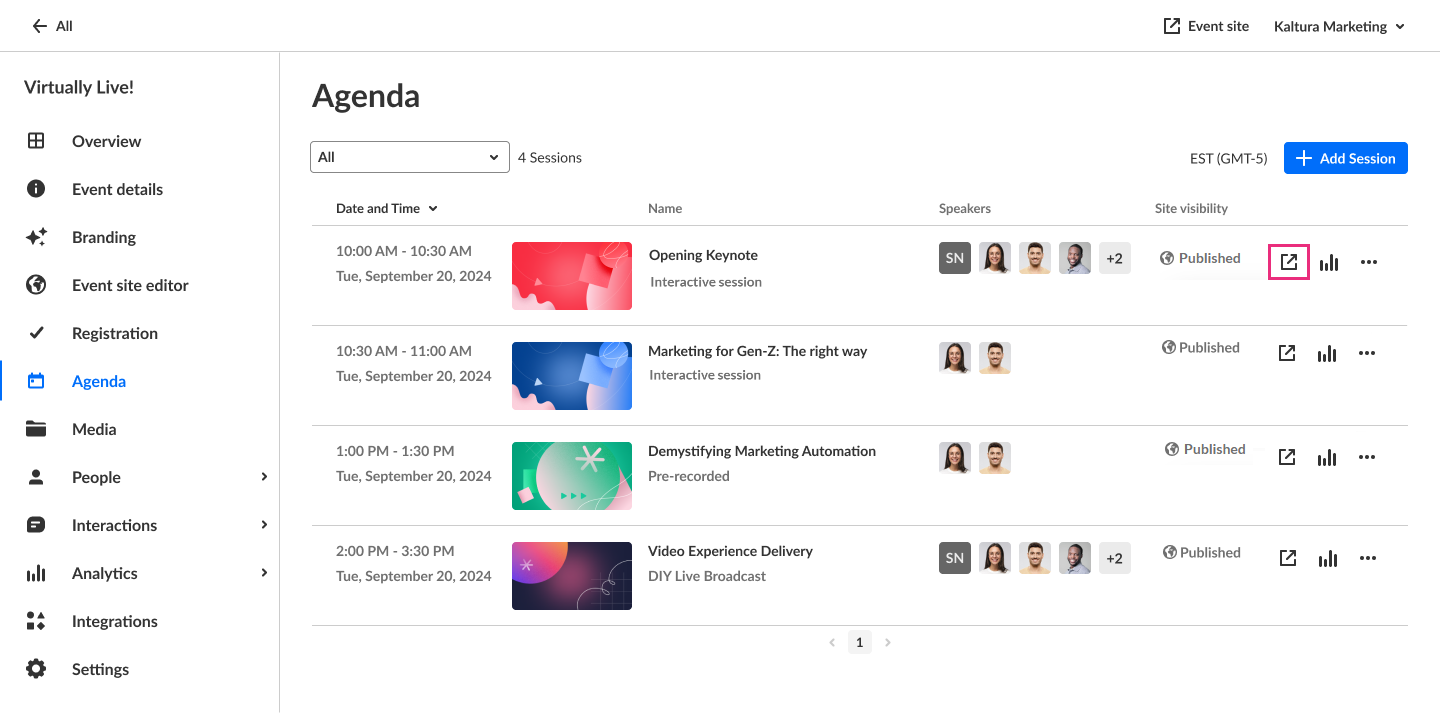
- On the Event Agenda page, click the blue box with arrow (go to session) icon to the right of the session.
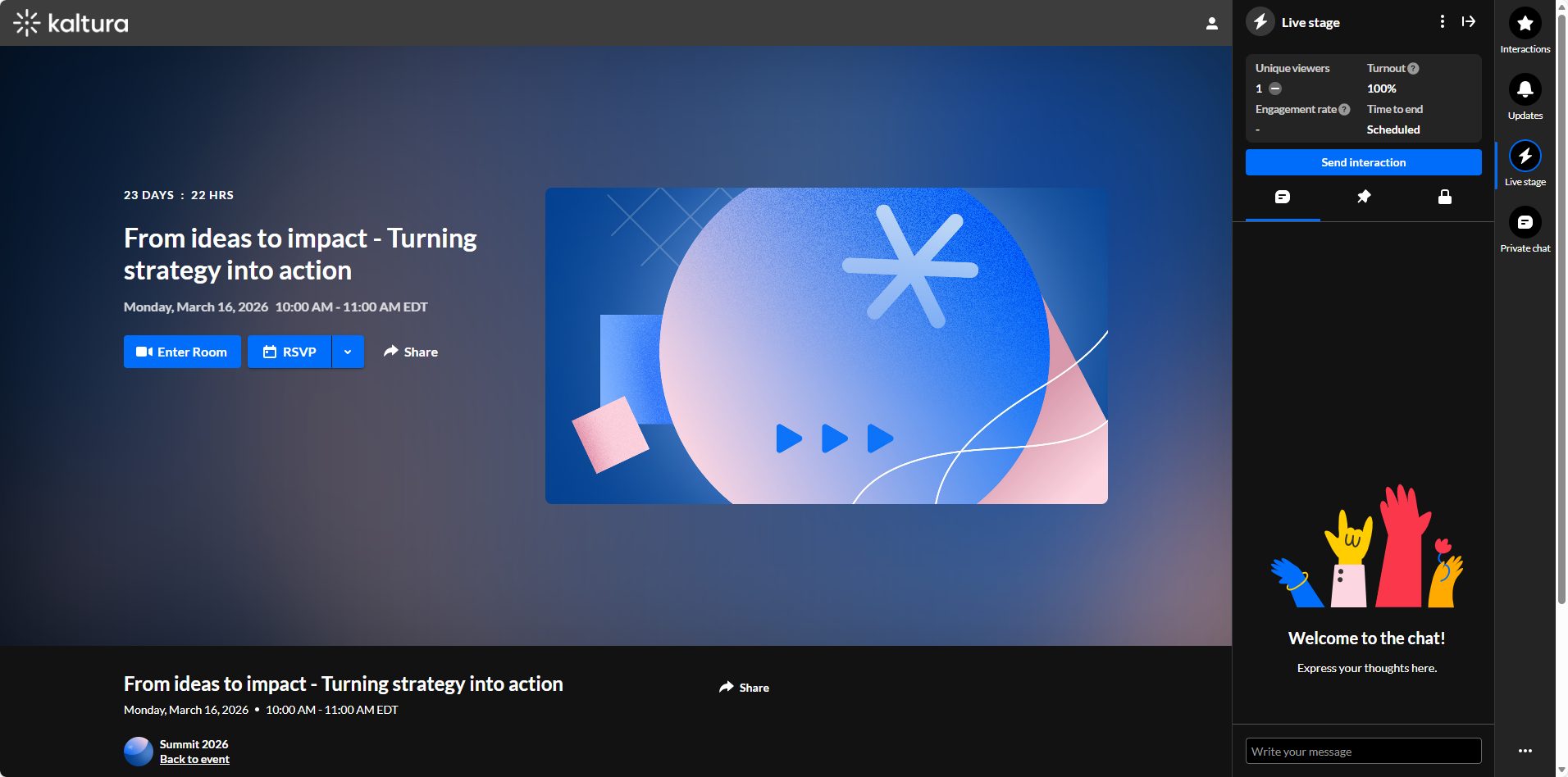
The session page displays.
- On the Event Overview page, in the Agenda at a glance section, hover over the session, then click the blue box with arrow (go to session) icon.
- Click the Enter Room button to launch the session. The Kaltura Room displays.
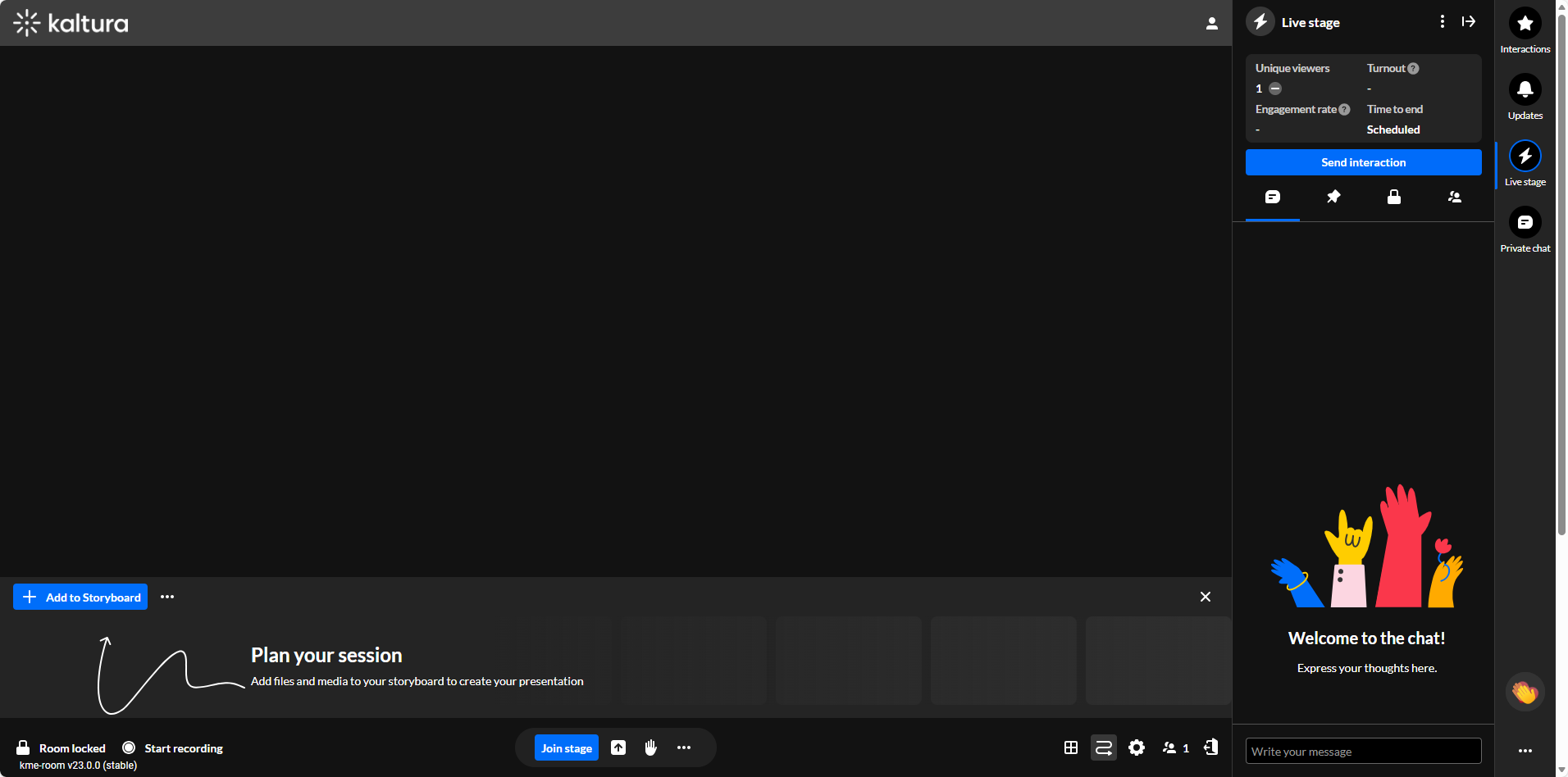
For complete information on using the Kaltura Room during an Interactive room session, please see Kaltura Room for Interactive sessions.
