About
This article describes how to launch a webinar and enter the Kaltura Room.
- Navigate to any site page.

- Click the Launch room button. The Kaltura room displays.

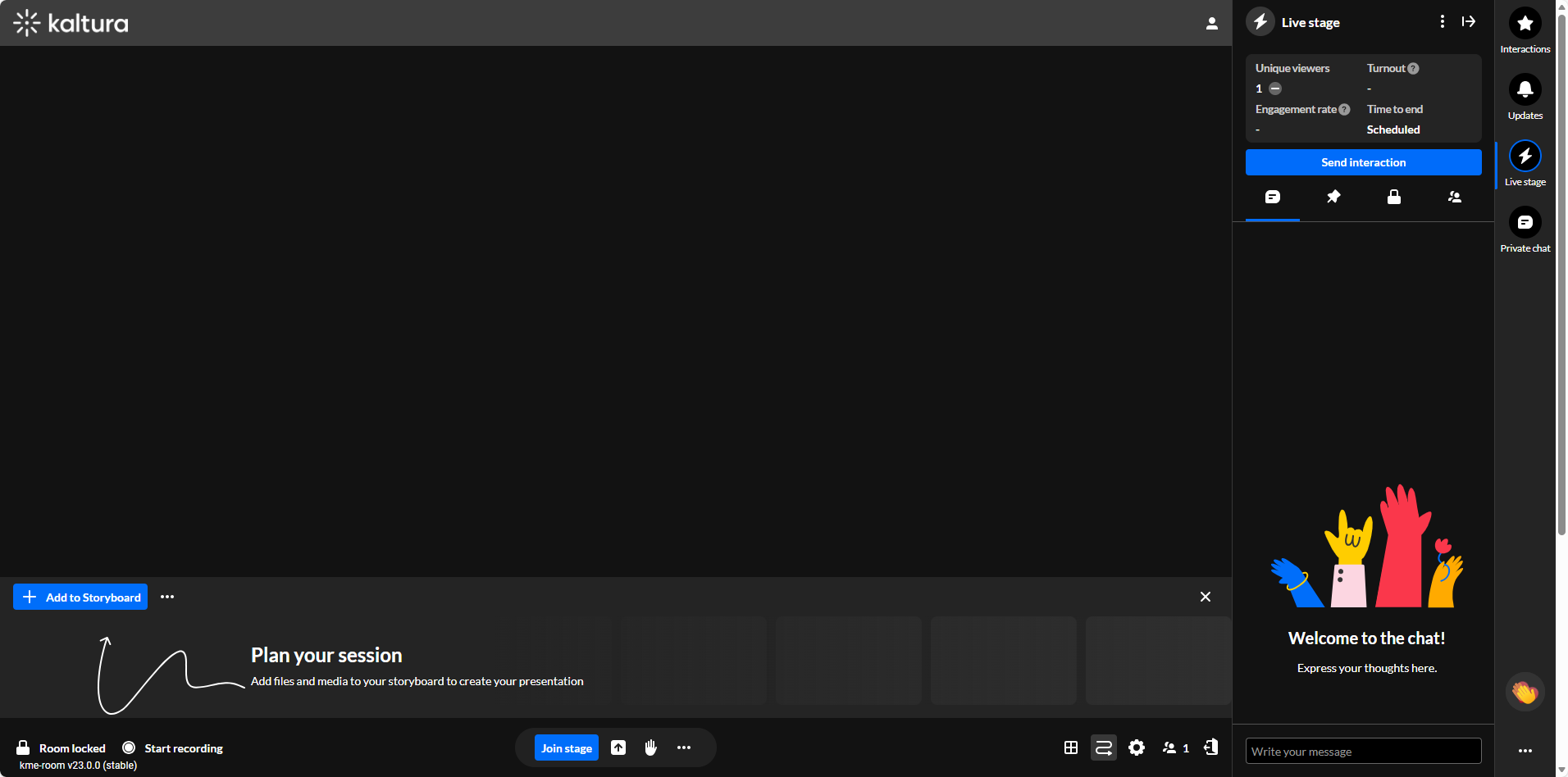
For complete information on using the Kaltura Room during a webinar, please see Kaltura Room for Webinars.
