About
The Advancedkauth module provides advanced authentication capabilities for your site. It’s required for registration flows and enables password-related features such as resetting a forgotten password.
This is a legacy Video Portal-only module.
Configure
1. Go to your Configuration Management console, and click the Advancedkauth module. You can also navigate directly: https://{your_site_URL}/admin/config/tab/advancedkauth .
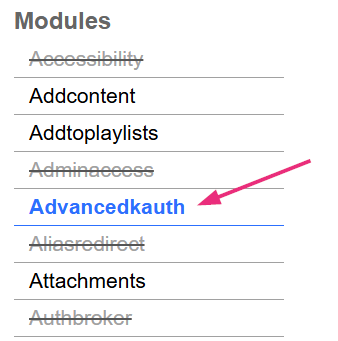
The 'Advancedkauth' page opens.
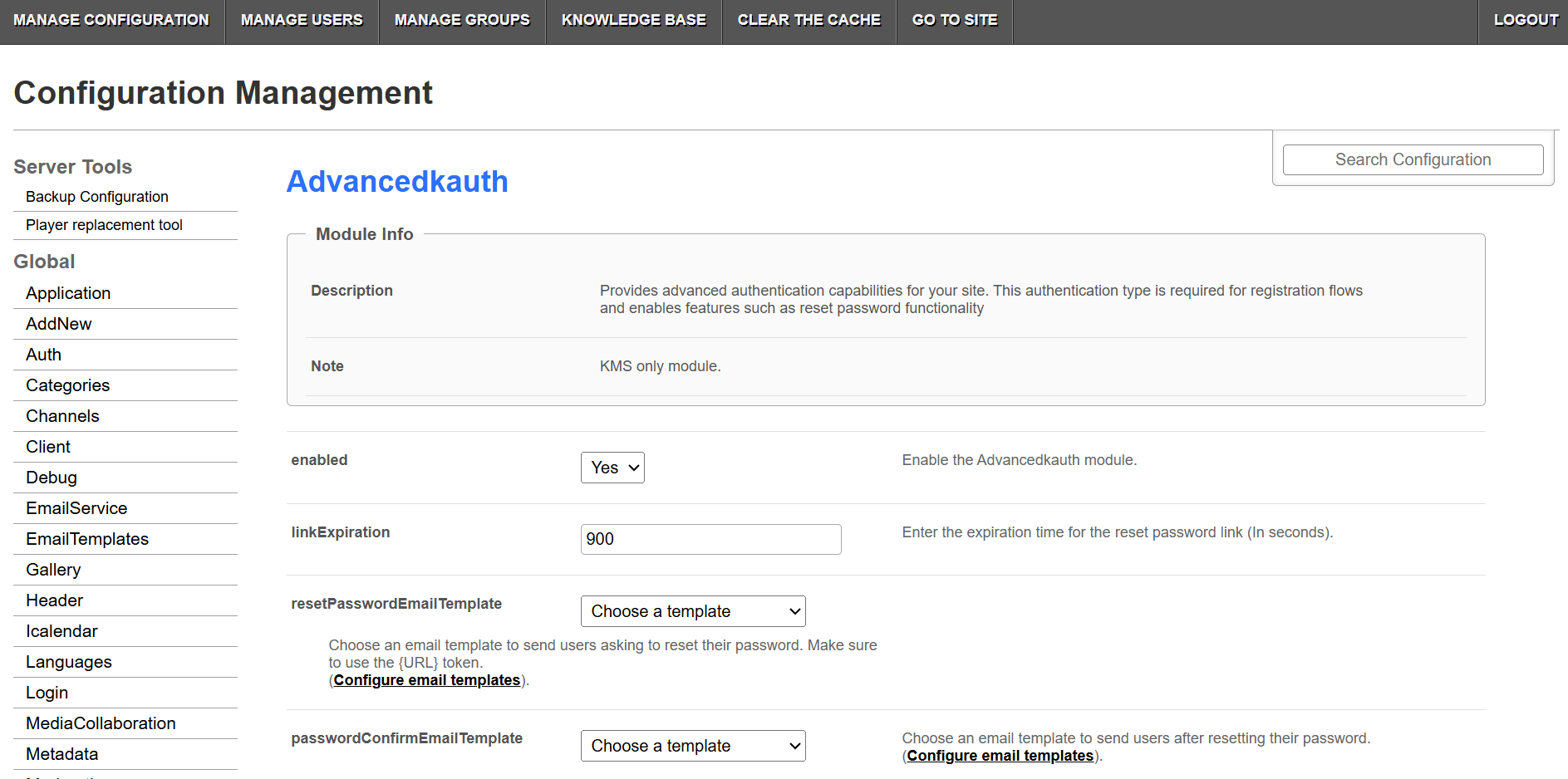
2. Configure the following:
enabled - Set to 'Yes' to enable the module.
linkExpiration - Enter how long the reset password link remains valid, in seconds.
resetPasswordEmailTemplate - Select the email template sent to users when they request a password reset. Make sure the template includes the {URL} token. Click Configure email templates to open the emailtemplates module where you can set up your email templates.
passwordConfirmEmailTemplate - Select the email template sent to users after they successfully reset their password. Click Configure email templates to open the emailtemplates module where you can set up your email templates.
3. Click Save.
