About
Site visibility controls who can see and access a session on the event site. This setting determines whether a session appears in the event agenda and whether attendees can access it directly. Organizers can choose between Published, Unlisted, or Private visibility levels to manage how widely a session is displayed and who can view it.
This setting is only applicable to multi-session events and is made via the Basics tab in the session settings panel.
Access session settings
There are two ways to reach session settings:
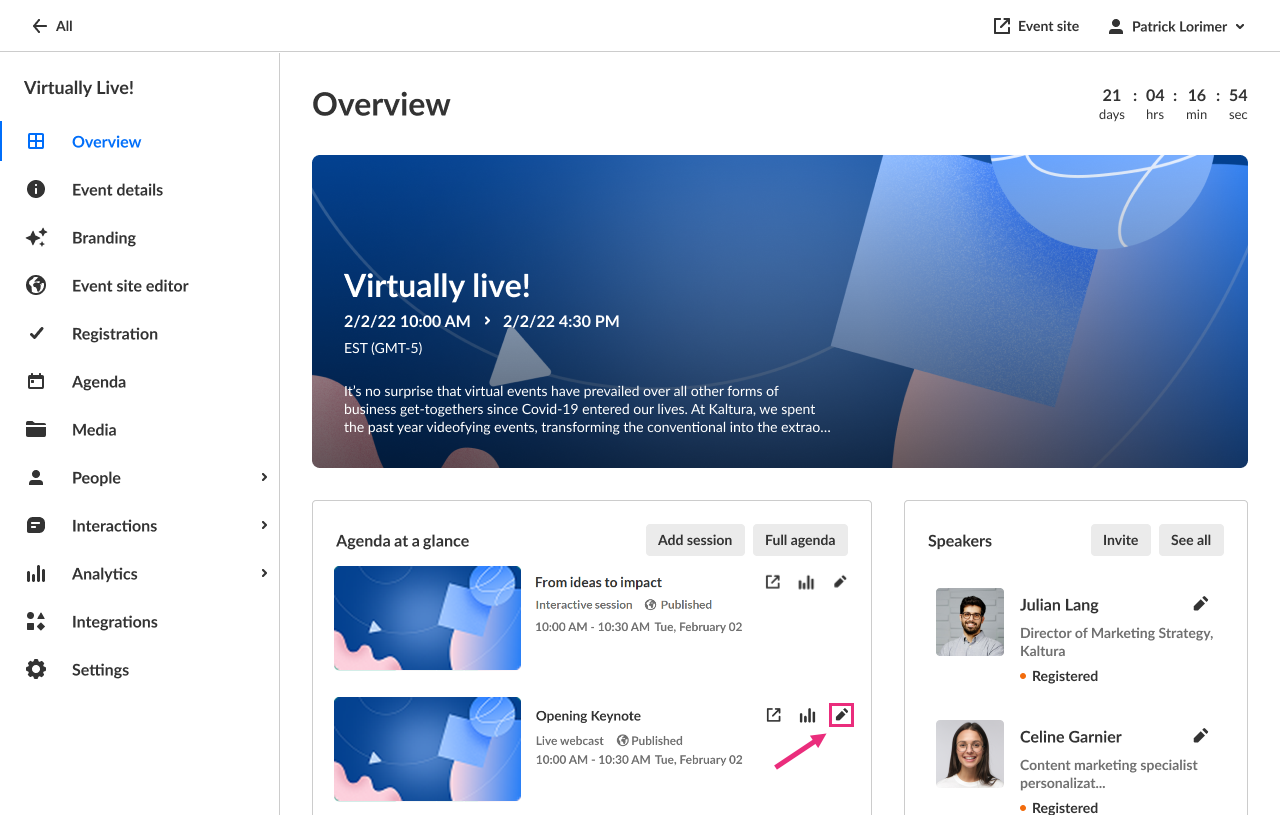
- On the Overview page, in the Agenda at a glance section, click the pencil icon next to the session.
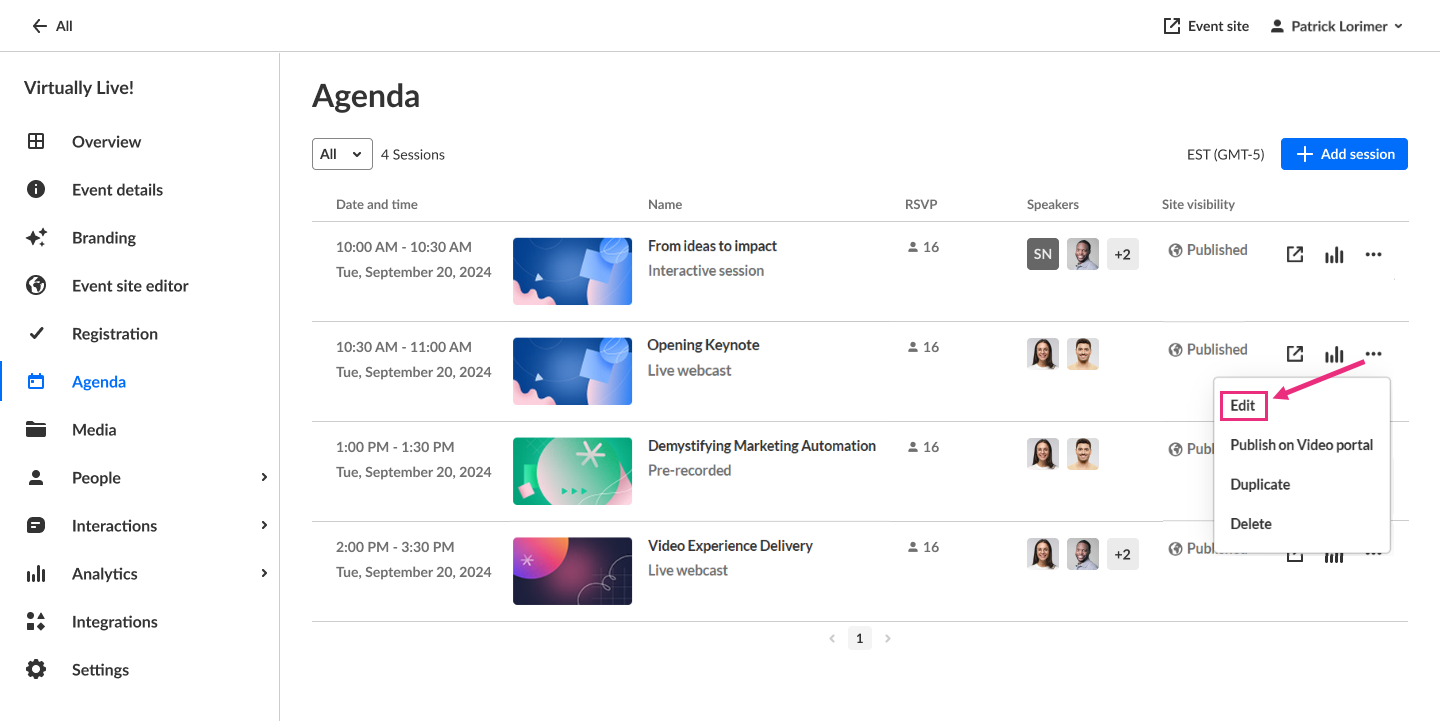
- On the Agenda page, click the three-dot action menu to the right of the session and choose Edit.
The session settings open in a side panel with the Basics tab selected by default.

Set site visibility
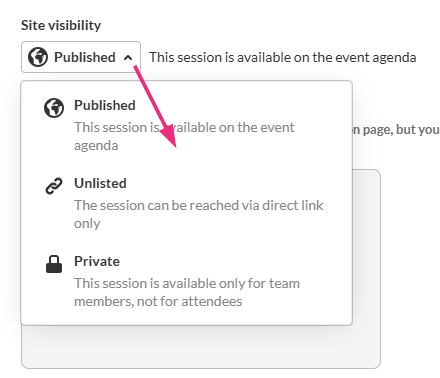
- On the Basics tab, choose one of the following options from the drop-down menu:
- Private – Visible to team members only
- Unlisted – Accessible via direct link only
- Published – Visible on the event agenda
- When you are finished making your edits, click Save changes.