About
Uploading media from your desktop is quick and easy. You can upload one or more files at the same time.
- To upload a YouTube video, see Add a YouTube video.
- To import media from a URL, see Import media from a URL in Content Hubs.
This feature requires the Uploadmedia module to be enabled and configured for the appropriate user roles.
Upload media
- Select Upload from the + Create menu.
- Click Select Files and choose one or more files, or drag and drop files into the upload area.
- Word and PowerPoint: 10 MB
- Excel: 5 MB

If a disclaimer is set by your administrator, click the Accept button to proceed.

The Upload Media page displays.
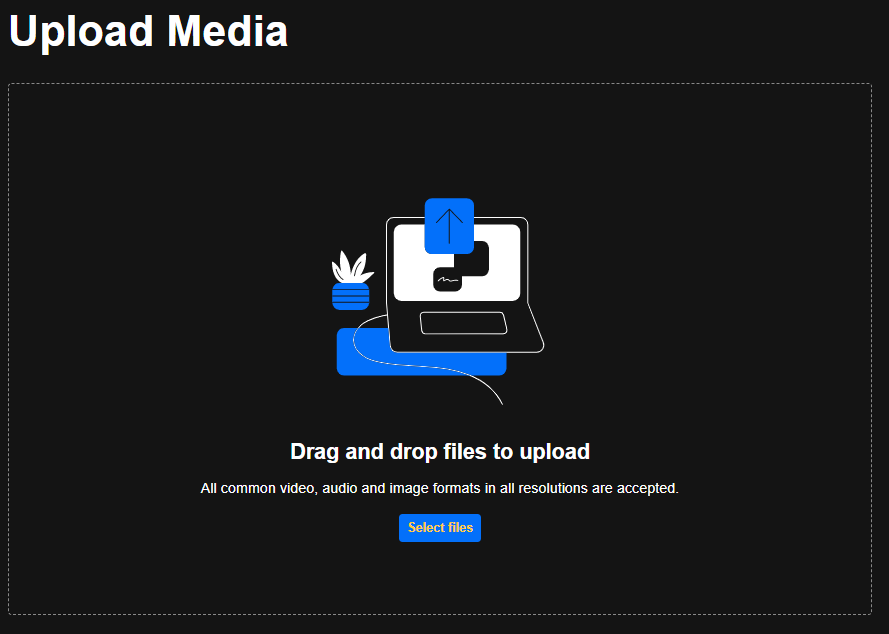
Different media types can be uploaded together.
File size limits:
The upload process begins.

Keep the browser tab open. Closing the tab or navigating away cancels any uploads that are in progress or waiting in the queue.
When processing is complete, click Media page, or select My Media from the user menu to access your uploaded content.

For information about upload statuses, bulk actions, editing metadata, and publishing multiple entries, see Manage media during upload.
