About
Accessing channel playlists unlocks a world of content curated to specific themes or topics. Whether you're into educational material, campaign highlights, or leaderboard updates, playlists are your go-to for easy navigation and engagement.
Access the channel
- Select My Channels from the user menu.
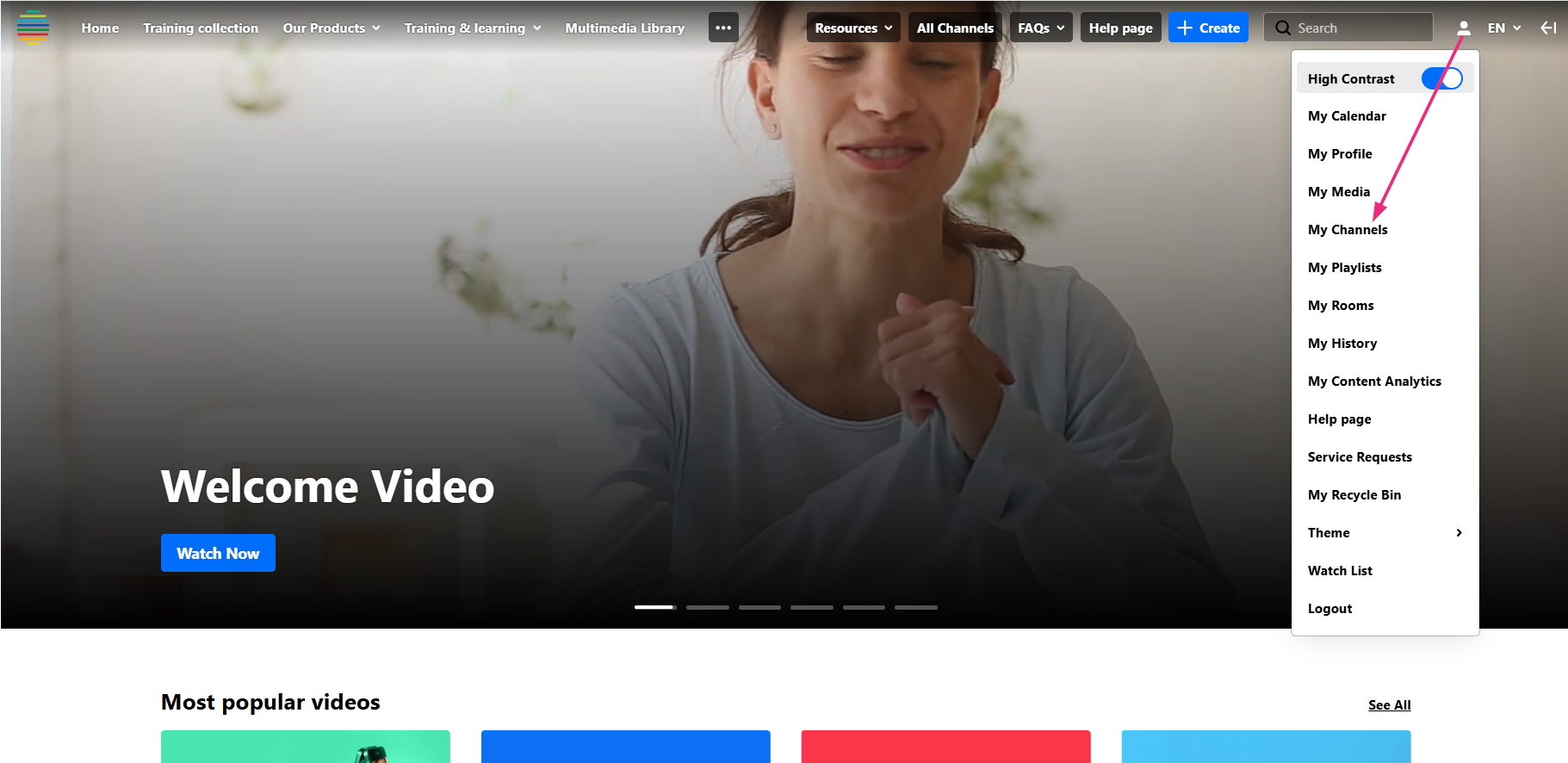
The 'My Channels' page displays.
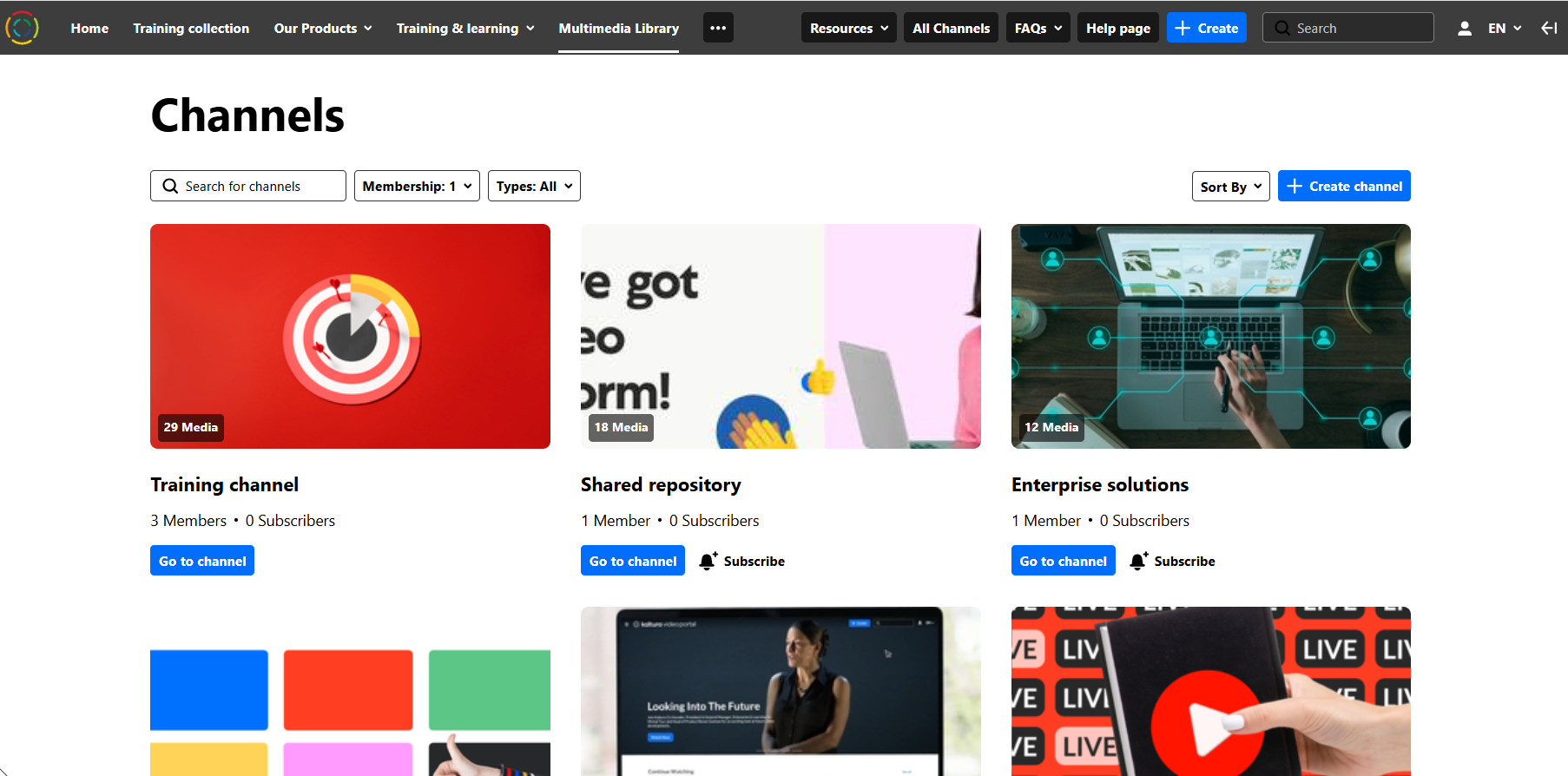
- Find the channel you want, and click Go to channel.
The channel displays.

Access the playlists
Click the Playlists tab.
The tab is visible only if playlists are available in the channel.

Playlists are displayed with a name, description (if configured), and accompanying media thumbnails to identify the content.
Click See All to see the entire playlist.

