About
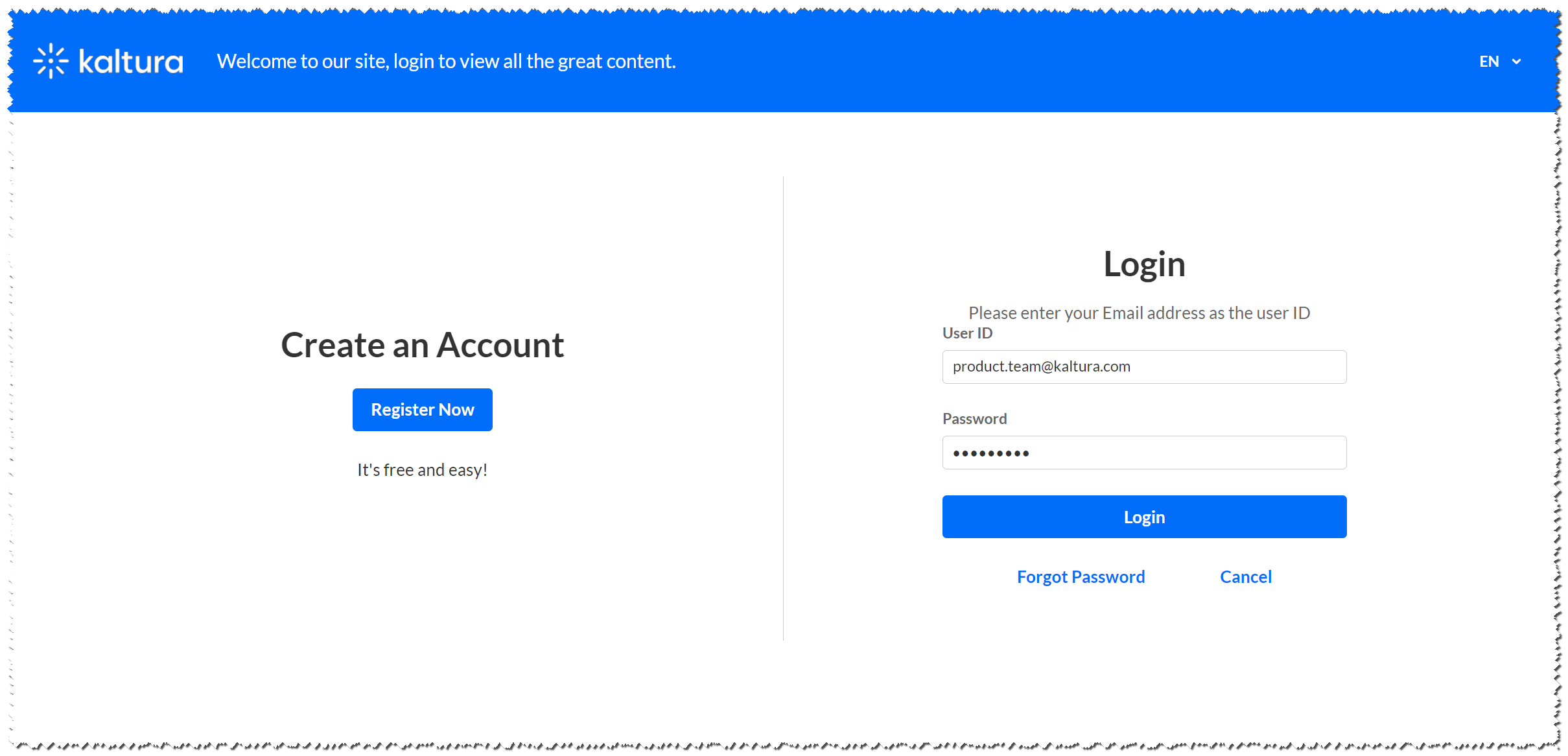
The Login module replaces the default login page. Once enabled, users will see an advanced login page that supports single authentication, multi-authentication, and Magic Link.
The page also includes a side Call to Action (CTA) section where admins can add a link to registration or any other URL. This applies to all relevant authentication methods: Kaltura username & password, Kaltura Magic Link, and LDAP.
- This module requires the Theming module to be enabled.
- This module can be configured for the relevant authentication methods selected in the Auth module.
- The Content Hubs login page applies to authentication methods that use the built-in login page (for example, LDAP or Kaltura Authentication). It does not apply to external login methods such as SAML.
Related modules
Configuration fields
Page header
The following fields define the header display for the login page:
headerText - Enter text that is displayed at the top of the page, next to the logo.
headerBannerDefaultImg - Use to upload an image to display as the background of the login page's header. Since the image will be cut according to page size, is it recommended to upload an atmospheric image the size of around 1600x400 pixels. Leave empty to use the default blue.
showLanguageSelector Use to present the language selector (assuming it is available on the site), set to 'Yes'.
customLogo - use to set a different logo on this page from the site's logo.

Page texts
Title - Use to change the main title of the login page. leave empty to use default
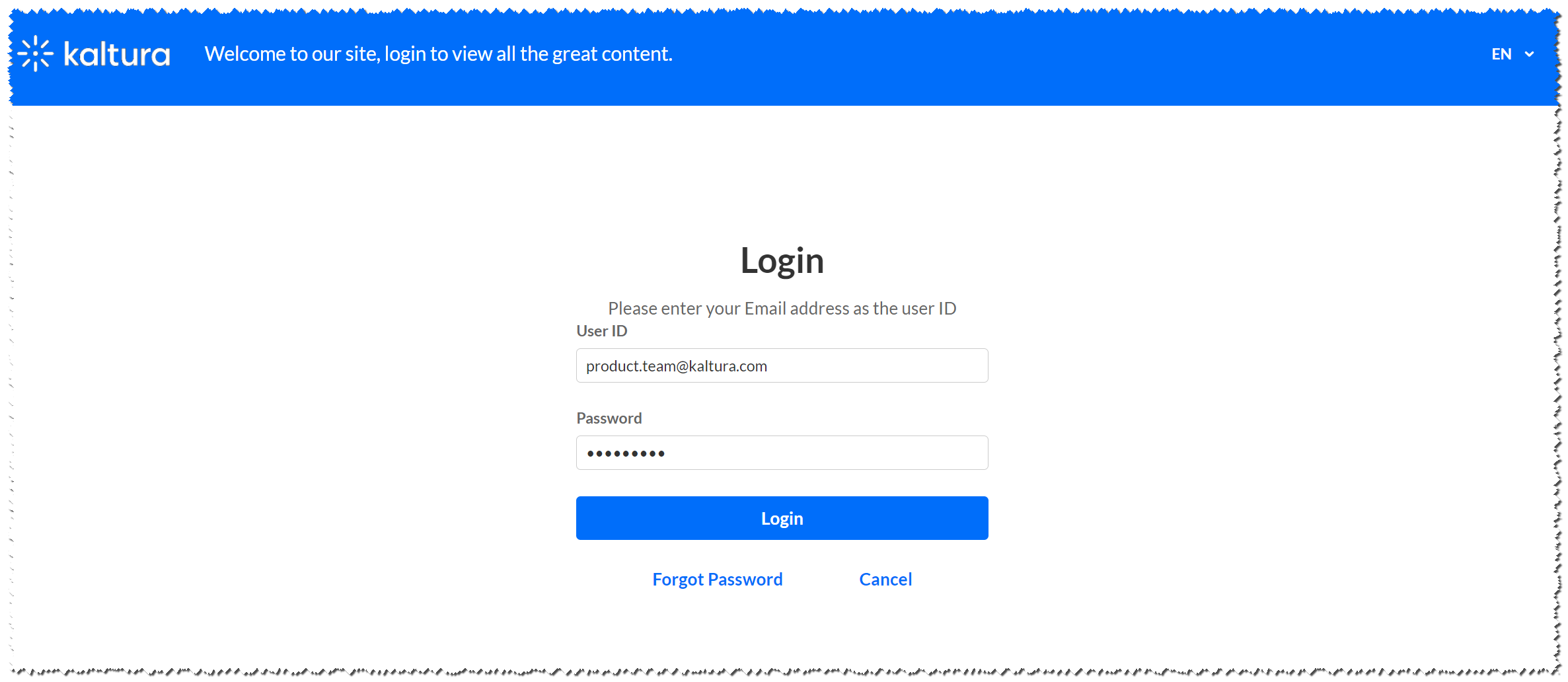
- Login instructions and field placeholders can be added/set from the Auth module, using the phLoginInstruction, phUser, and phPwd fields.
Multi Authentication
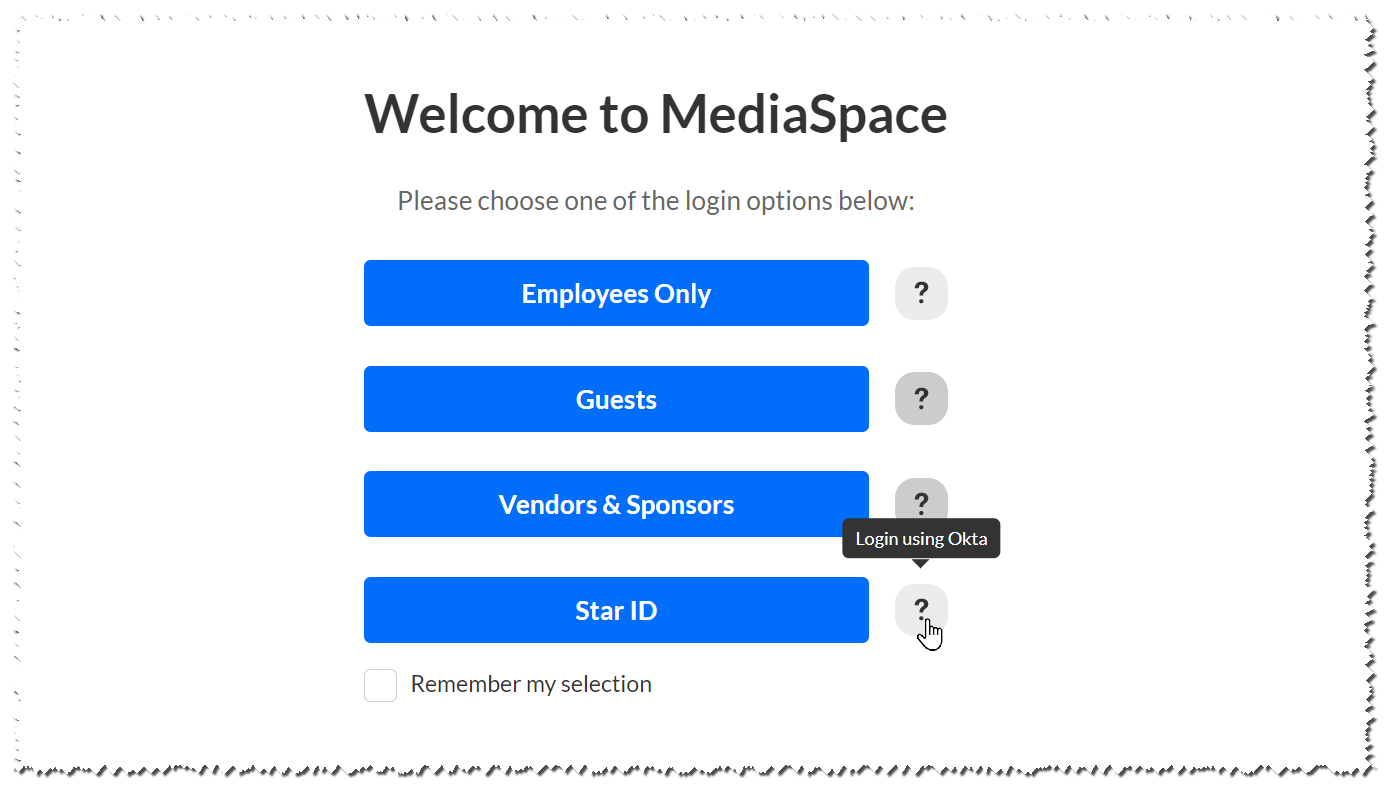
The multi authentication page will automatically be updated to the new UI. The settings will remain the same and may be re-configured from the Auth module)
Call to Action feature
You may add a call to action on the login page using the showCallToAction fields. Set the showCallToAction field to Yes, to open the CallToAction section.
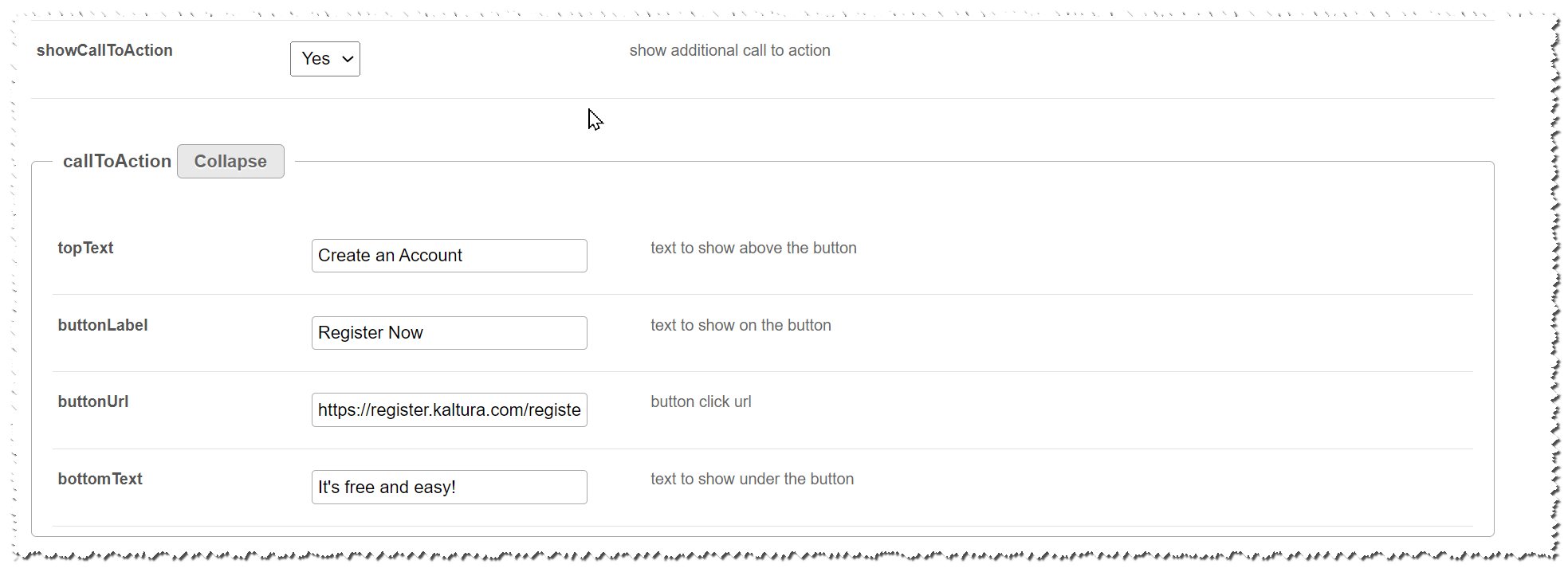
Fill in the configuration as you please to show a call to action button on the login page: