Legacy notice
If you're setting up a new event, we recommend using Live Studio, our modernized live event experience. See Introduction to Live Studio for more information. If your organization is still using the legacy webcasting product, this article still applies.
Displaying Speaker Notes
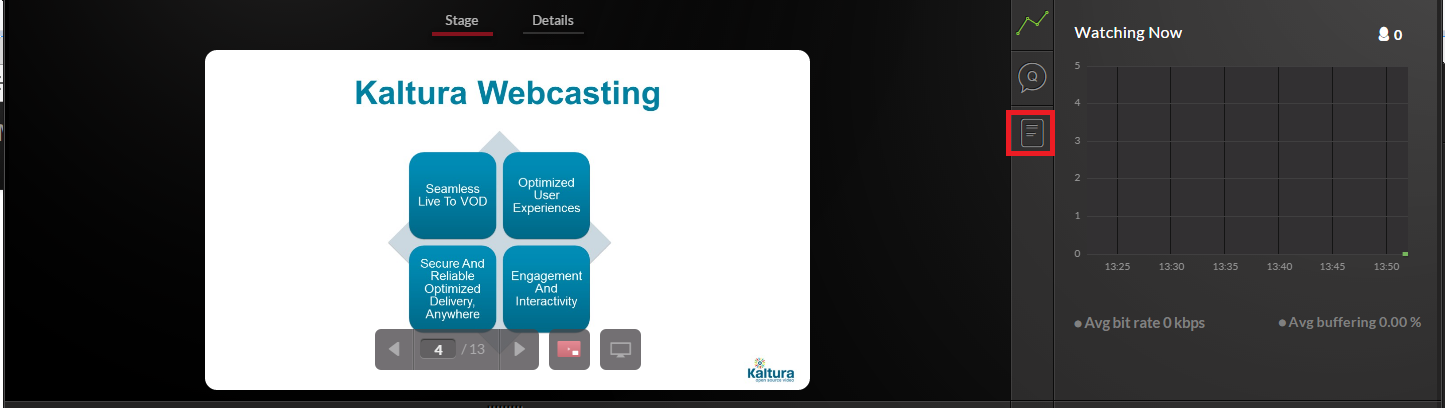
To display notes from your PowerPoint presentation
- Click the Notes icon to display or hide your notes.