About
The Genie plugin adds an AI-powered panel to the player so viewers can ask questions about the video they’re watching. Genie analyzes only that specific video and returns contextual answers tied to its content.
Genie is available only for captioned videos and only if the feature is enabled for your account.
Setup
To learn how to enable the Genie plugin on a player, see Enable Single-video Genie on the player.
Open Genie
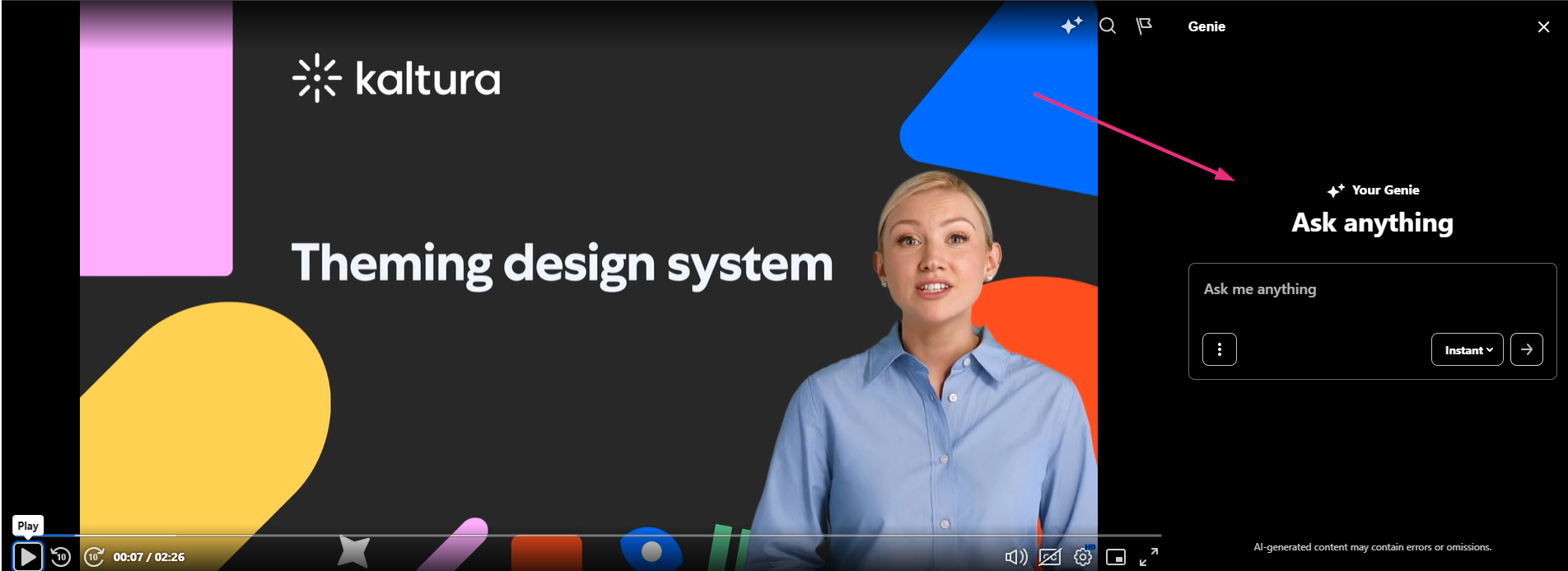
Click the Genie icon (stars) in the top-right corner of the player to open the Ask Anything panel. Its placement - right, left, top, or bottom - depends on the configuration set by your administrator in the player settings.
Below is an example of a video with Genie displayed on the right.
Features
- Ask questions about the video you’re watching and get answers based only on that video.
- Keep the Genie panel open while the video continues playing.
- Jump to key moments in the video when answers include timestamp references.
- Choose between flashcard or text-style answers, depending on your needs.
- Use Genie in secure embedded players when the embedded player includes the Genie plugin.
For full details, see Ask Genie to questions about your video.
