About
This article explains how to manage scheduling administrators and permissions.
Set up roles and permissions for users
- In the Content Hubs Management Console, select the
Recschedulingmodule, and select Yes to enable it. - In the
allowedUserssection, select the specific users who can schedule events.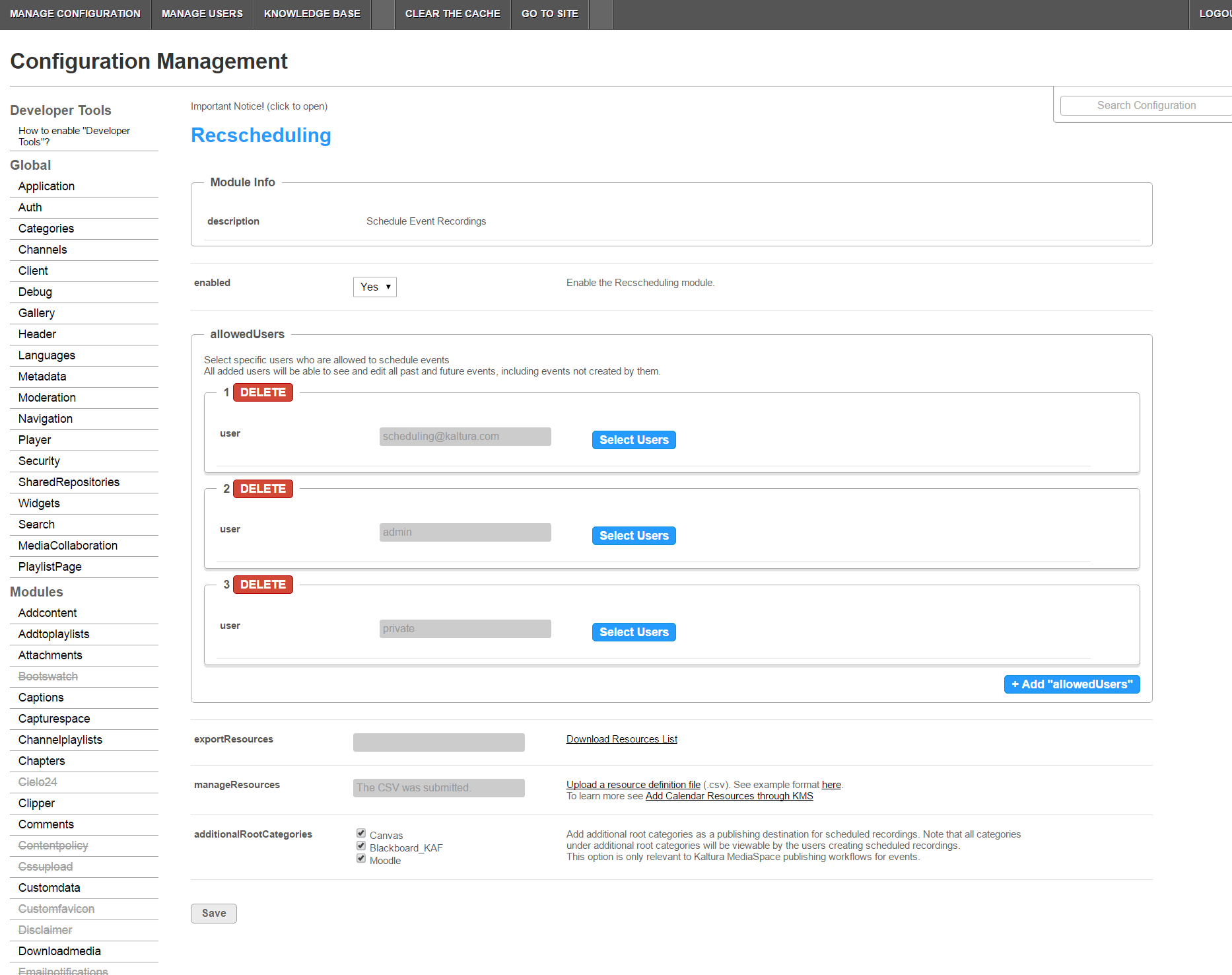
- In the
manageResourcesfield, click Upload a resource definition file (.csv). The list should contain all available resources for recording, the device name, and the device location. - In the
exportResourcesfield, click Download the Resources list.
In My Media, the Actions drop-down shows an icon indicating the roles allowed to schedule recordings.
For how publishing categories work with scheduled recordings, see Configure publishing for scheduled recordings.
