About
This guide explains how end users can confirm their action of saving an entry.
This module is for both Theming and non-Theming users.
For technical support, contact Kaltura Customer Care. For all other inquiries, reach out to your Customer Success Manager.
Confirming your action
- When you click Save on an entry, you'll see a "confirm changes" screen.
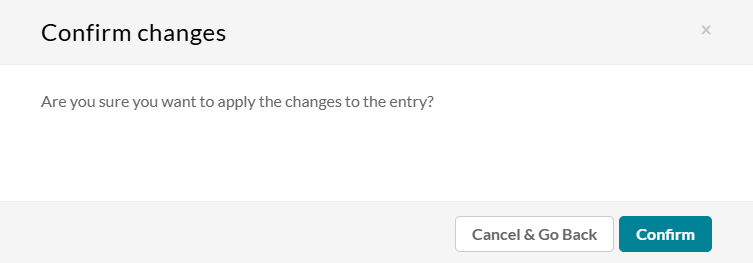
- Click the Confirm button to confirm your action or click Cancel & Go Back to return to the page from which you came. Note - Both Theming and Non-theming users will receive the same prompt.
This document is maintained by Kaltura’s Professional Services team. Please send comments or corrections to your Customer Success Manager. Ask them to forward it to the Professional Services team. We are committed to improving our documentation and your feedback is appreciated.
