About
Use the 'Celebrate' crowd reaction to display a visual celebration to everyone during a live session. The animation plays once and then disappears; participants don’t need to respond.
Send a crowd reaction
- On the session page, click the Interactions tab in the upper-right corner to open the Interactions panel.
- Select Crowd reaction.
- Click to send the crowd reaction to your audience.


The Crowd reaction window opens.


The celebration displays to everyone in the session.

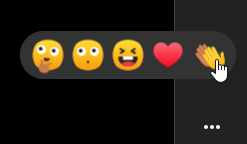
The Celebration crowd reaction is different from the emoji reactions that moderators, speakers, and participants can send during a session. See Reactions for more information.