About
This article explains how attendees can leave a Kaltura Room session.
Leave the session
- In the bottom-right corner, click the door icon.
- Click Leave session to exit the room.
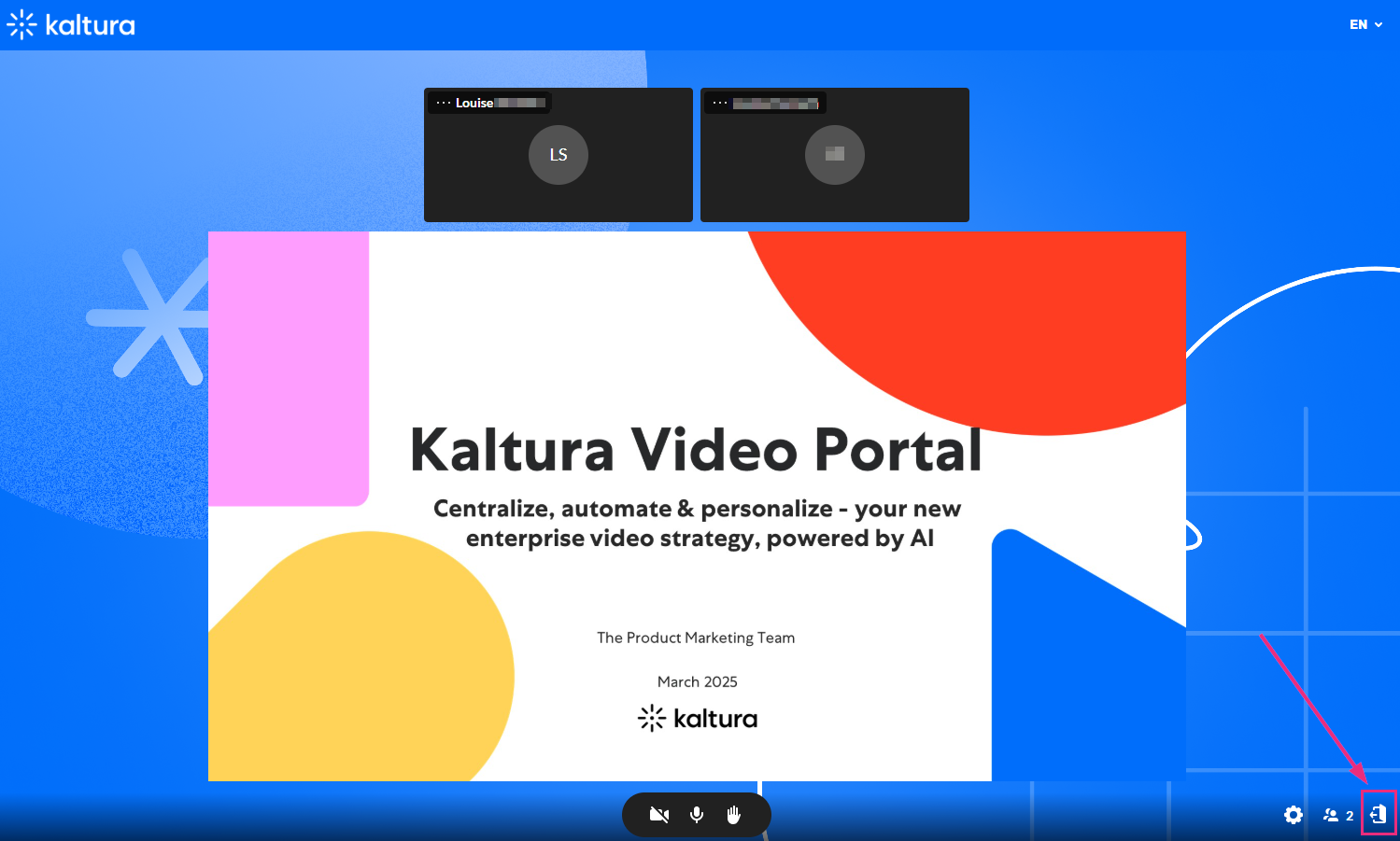
A confirmation message displays.

You can also leave the session by closing the browser tab or window or simply navigating to another page.
If the session is in a channel, you will be redirected back to the channel.
After leaving, a confirmation screen appears. From there, you can rejoin the session by clicking Rejoin the session, or by returning to the session link.
Session timeout
If the moderator leaves the room and doesn’t return within 15 minutes, the session automatically ends for all participants. You’ll see a message confirming that the session has ended.
