About
Crowd reactions in Kaltura Events allow moderators to quickly send predefined reactions to participants during a live session. By hovering over a reaction and selecting Send now, moderators can instantly initiate a visual response that appears to the audience, helping emphasize key moments, prompt engagement, or guide participant interaction. This feature provides a simple way for moderators to influence the flow of the event and encourage audience participation in real time.
This article explains how moderators can send crowd reactions within Kaltura Events.
Create and publish a crowd reaction
- Click Crowd reaction to begin creating a crowd reaction.
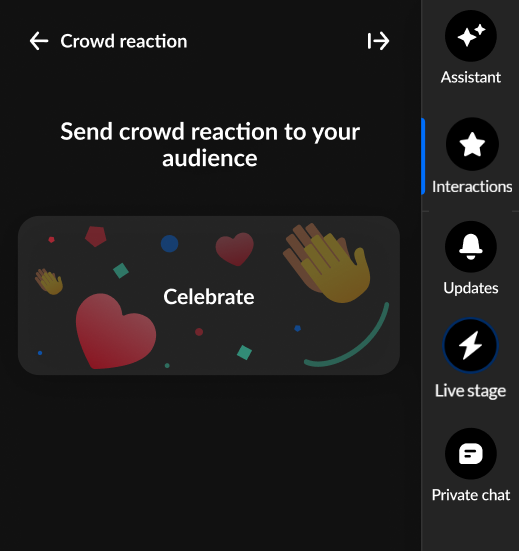
- Hover over the desired crowd reaction and the crowd reaction is highlighted with a Send now button.
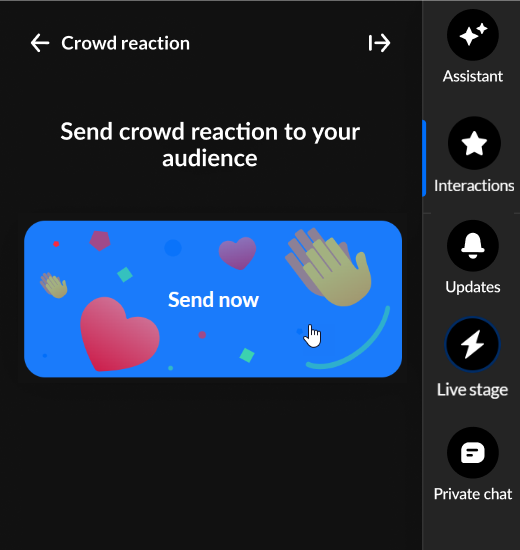
- Click to send the crowd reaction now.
Please note:
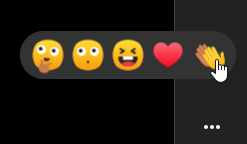
All users (moderators, speakers, and participants) can choose from a set of 5 reactions that display horizontally at the bottom of the Chat and Collaboration widget. See Reactions for more information.
Interested in exploring other interaction tools? Click here!
