About
As a media owner, you can transfer ownership to someone else, which is useful if the owner is leaving the organization or switching responsibilities.
You can also add co-editors, co-publishers, and co-viewers. For more information, see our article Manage roles and permissions.
The Mediacollaboration module must be enabled by your administrator for this functionality to work.
The instructions below are for Theming users. If you don't have Theming enabled, please refer to our article 'Change media ownership & add collaborators'.
Change ownership
- Access the My Media page.
- Check the box(es) on the top left of the desired entries.
- At the top of the page, click the More actions menu and select Transfer ownership.
- Type the name of the person, people or group you want to transfer ownership to.
- When you've finished entering the information, click Select.
- Click Transfer ownership to complete the process.
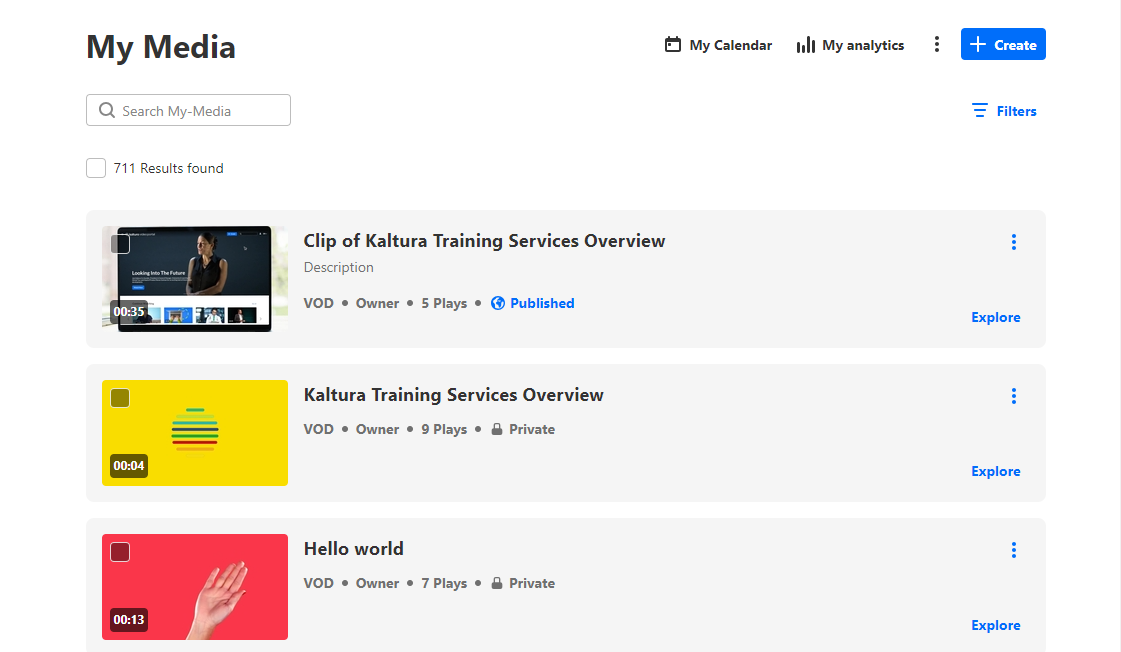
If you want to search for entries according to ownership, see Filter entries by ownership below.
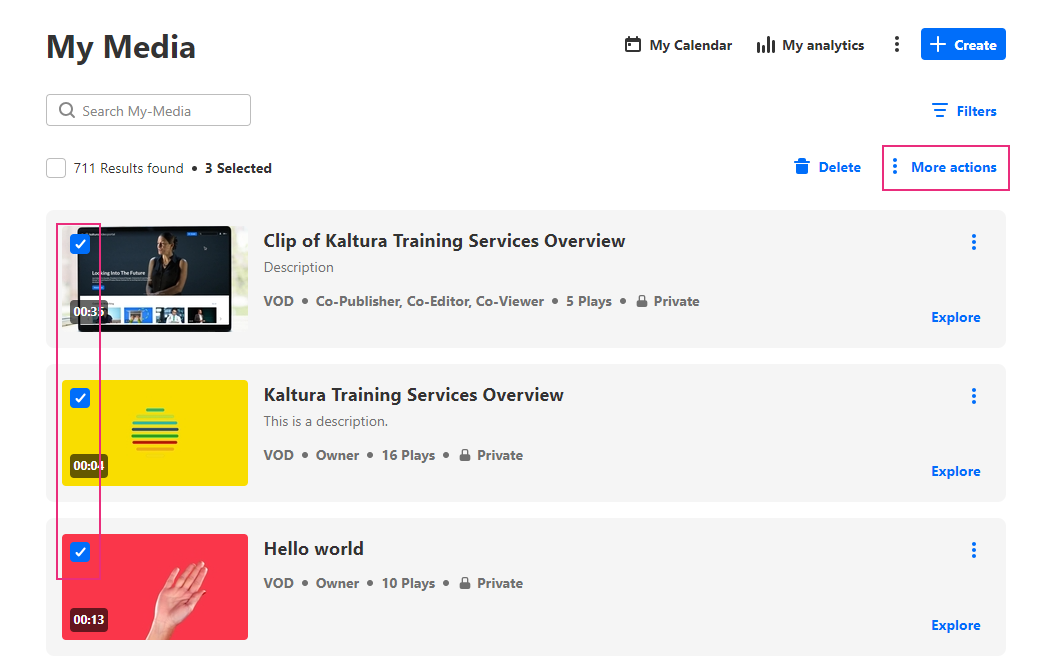
This option only appears in the menu if the mediaCollaboration module is enabled and changeOwnerEnabled is set to 'Yes'.


Below the name field, there's a checkbox that you can check if you want to set yourself as a collaborator on this media.
A confirmation message displays: Are you sure you want to transfer ownership for [x] items? Note: You will no longer be able to perform any actions on the media or be able to see it in your My Media, unless you are a collaborator on the entry.
Filter entries by ownership
- At the top right of the My Media page, click on the Filters to display the options.
- Select one or more of the filters.


