About
You can send feedback or report technical problems, such as webcam quality, microphone quality, or content playback directly from within a Kaltura Room session.
When feedback is submitted, a support log from your session is automatically attached to help technical support investigate the issue.
Send feedback or report an issue
- Click the settings icon at the bottom right of the screen and select Give feedback from the menu.
- Enter your feedback in the Give Feedback field.
- In the Choose an area drop-down menu, select the category that best describes the issue:

The 'Give Feedback' window opens.

- Webcam quality
- Microphone quality
- Content playback

4. Click Submit.
A confirmation message appears indicating that your feedback was successfully submitted along with a support log.
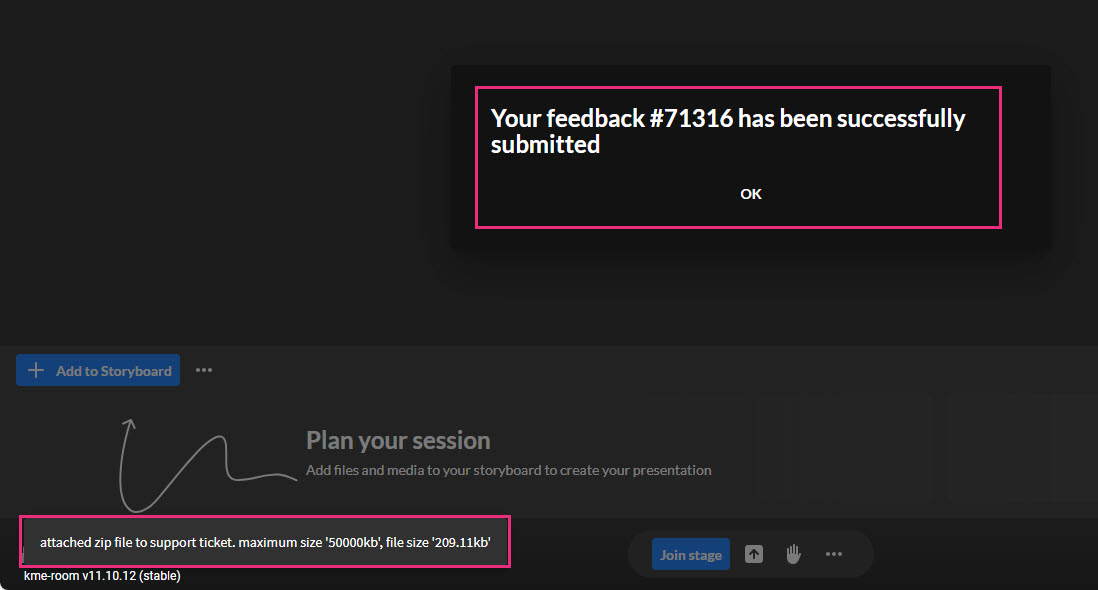
5. Click OK to close the window.
