About
Use the Raise hand feature to signal that you have a question or would like to speak during a session.
Raise your hand
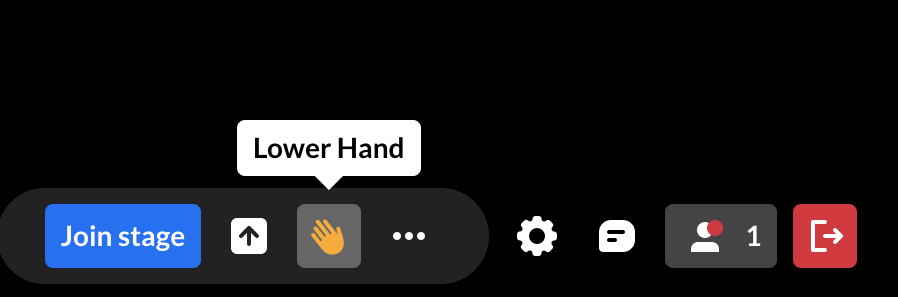
Click the hand icon on the bottom toolbar.

The icon turns yellow and moderators receive a notification.

Your raised hand also appears:
- next to your name in the Participants list
- in the Raised hands section
- on your tile if you are on stage
Your hand remains raised until you lower it or a moderator clears it.
Lower your hand
Click the yellow hand icon on the bottom toolbar to lower your hand.