About
Refreshing your site by removing outdated playlists helps keep your content up-to-date and engaging.
If you can't delete a playlist, you may need to ask your administrator to give you the required permission.
Delete a playlist
- From the user menu, choose My Playlists.
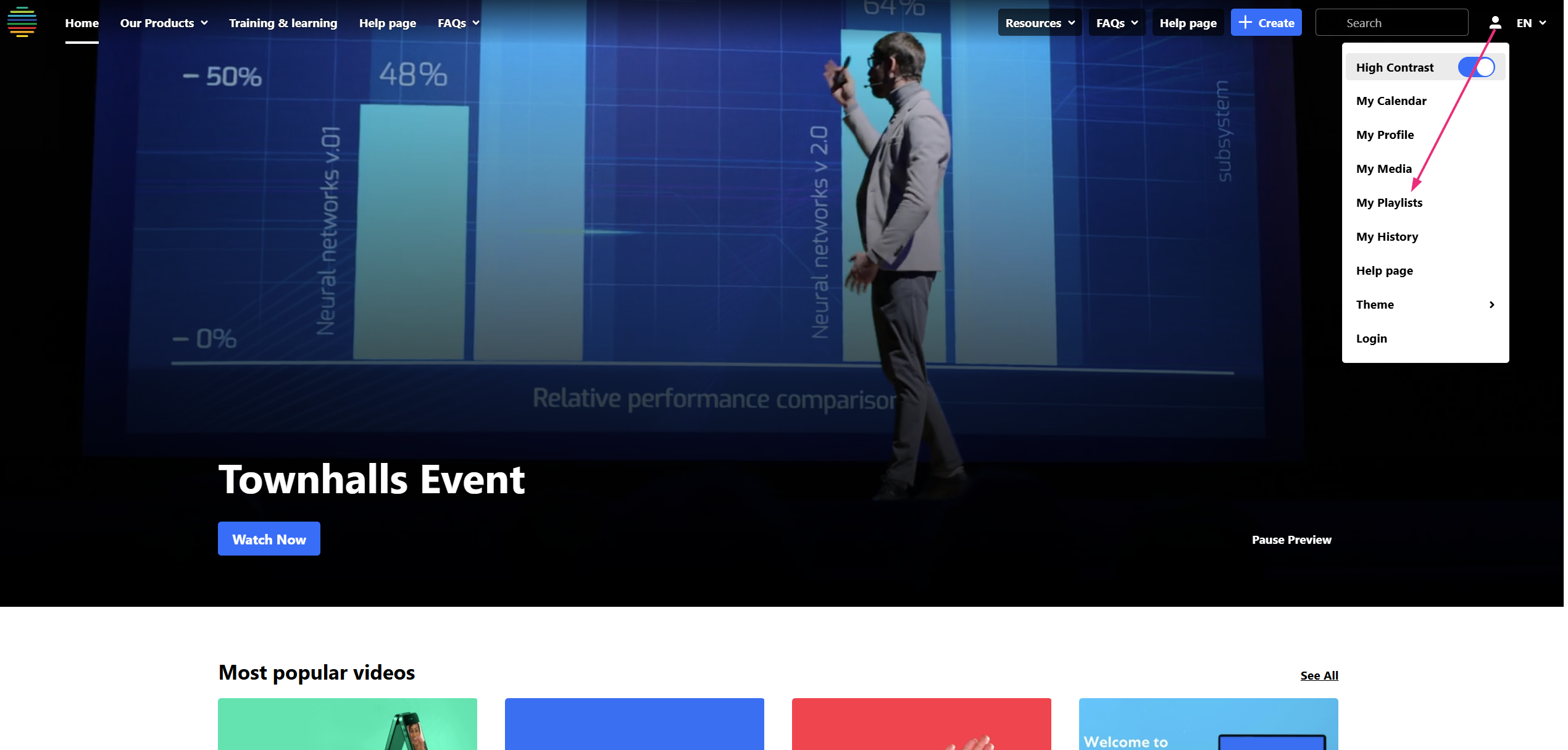
The 'My Playlists' page displays.
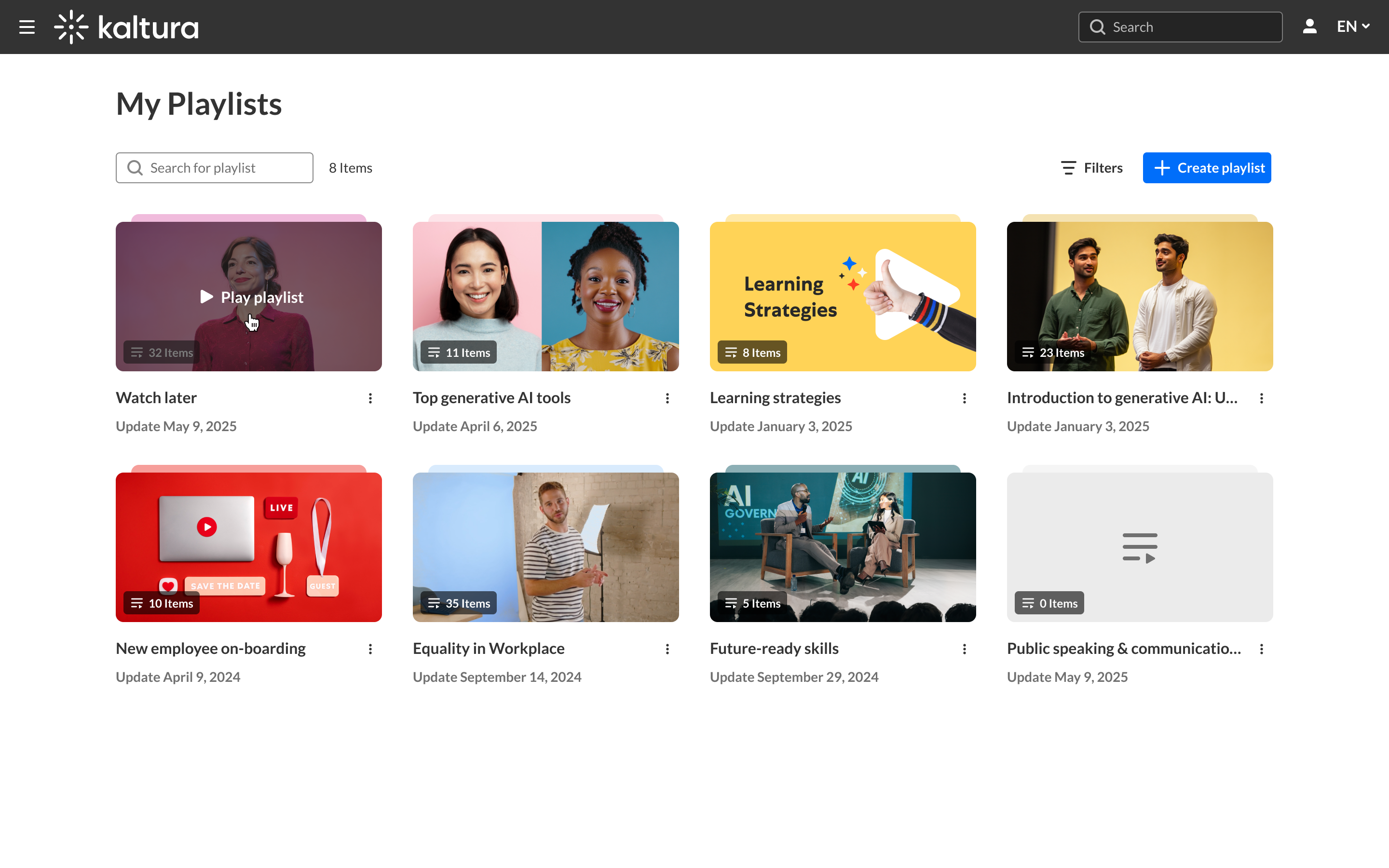
- On the My Playlists page, locate the playlist you want to delete, click the three-dot menu and select Delete.
- Click Delete to confirm.

A confirmation message displays.
